1
03.7.10 3:58 PM
Page 3-13
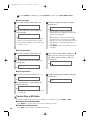
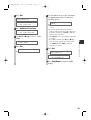
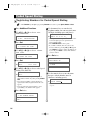
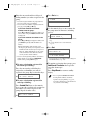
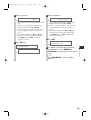
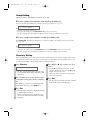
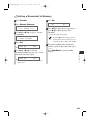
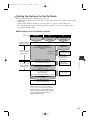
16 Enter a password.
PASSWORD
12345
Ex:
• If you do not need to enter a password, ignore this
step.
• You can enter a password up to 20 digits long
using the numeric keys, T, # or Space.
• Be sure to enter the password of the other party
correctly, taking into account the position of
spaces.
• If you make a mistake, press 4 (–) or e (+) to
move the cursor to the incorrect character, then
press Delete. Or press Clear to delete all
characters you entered.
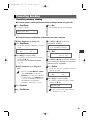
17 Press Set twice.
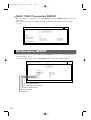
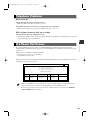
SUBADDRESS TX
2.SUBADDRESS
SUBADDRESS
Ex:
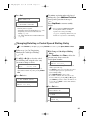
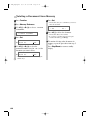
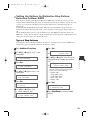
18 Enter a subaddress.
SUBADDRESS
123456789012
Ex:
• You can enter a subaddress up to 20 digits long
using the numeric keys, T, # or Space.
• Be sure to enter the subaddress of the other party
correctly, taking into account the position of
spaces.
• If you make a mistake, press 4 (–) or e (+) to
move the cursor to the incorrect character, then
press Delete. Or press Clear to delete all the
characters you entered.
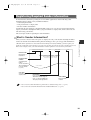
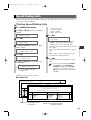
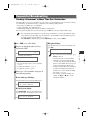
19 Press Set.
Ex:
1-TOUCH SPD DIAL
03=GROUP DIAL
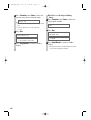
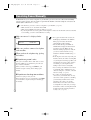
20 To continue registering other passwords
and subaddresses, press Additional
Functions then repeat the procedure from
step 4.
– or –
Press Stop/Reset to return to standby
display.
3
Speed Dialing
03 FAX_Chp3.qxd
3-13