1
AR-5316-5320-EX.book 39 ページ
2005年4月8日 金曜日 午前9時35分
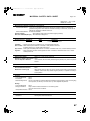
USER SETTINGS
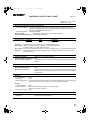
Resetting account
(program No.15)
The copy count of a single account or all accounts can
be reset to 0. If no account numbers have been
established, the error code "15E" will appear in the
display.
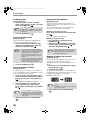
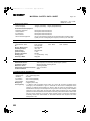
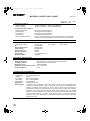
Copying when "Auditing mode" is
enabled
When "Auditing mode" is enabled, "- - -" appears in the
display.
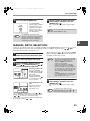
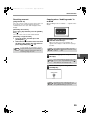
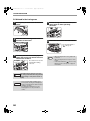
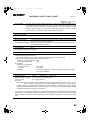
[Resetting all accounts]
Press the [1] key and then press the [START]
key ( ).
The copy counts of all accounts will be deleted.
[Resetting a single account]
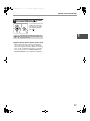
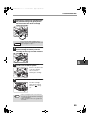
1 Press the [0] key, and then press the
[START] key ( ).
2 Select the account number to be reset with
the [Copy ratio display] key ( ) and then
press the [START] key ( ).
Note
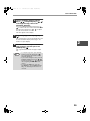
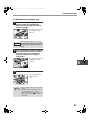
1
Enter your 3-digit account number
with the numeric keys.
When you enter your account number, "0"
appears in the display to indicate that copying is
possible.
To reset another account number, enter the
program number (15) for account number
deletion and then repeat the procedure for
"Resetting a single account".
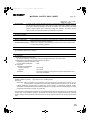
Note
2
Follow the appropriate steps to make
the copy.
Note
3
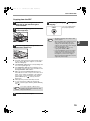
If you enter an incorrect number, press the
[CLEAR] key (
) and then enter the correct
number.
If you are performing an interrupt copy (p.28),
be sure to press the [INTERRUPT] key ( )
when finished to exit interrupt mode.
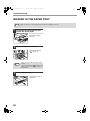
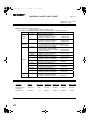
When finished, press the [AUDIT
CLEAR] key.
AUDIT CLEAR
Note
If a misfeed occurs or the paper runs out
during copying, your session will not end even
if the [AUDIT CLEAR] key is pressed.
39
4