1
AR-5316-5320-EX.book 17 ページ
2005年4月8日 金曜日 午前9時35分
BEFORE USING THE MACHINE
4
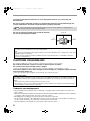
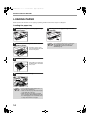
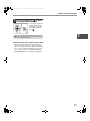
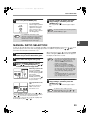
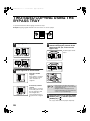
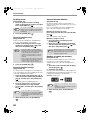
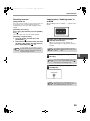
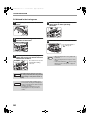
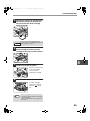
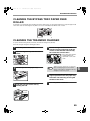
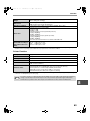
Press the [START] key ( ) and then
the [PAPER SIZE ENTER] key.
START
Note
To change the paper size
setting of another tray,
repeat steps 2 to 5 after
pressing the [START]
key (
).
1
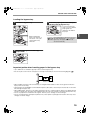
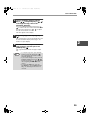
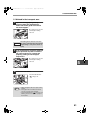
Affix the paper size label for the paper size
selected in step 3 to the label position on the
right end of the tray.
Important points when using the printer mode
• Make sure that the tray's paper size setting is the
same as the tray's paper size setting in the printer
driver. For example, if the tray's paper size setting is
8-1/2" x 11R, set "Setting Paper Size" to "Letter-R".
For more information, see "CONFIGURING THE
PRINTER DRIVER" in the "Software Setup Guide".
17