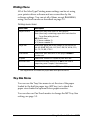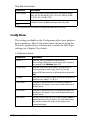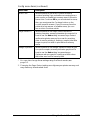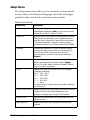
1
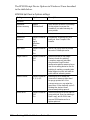
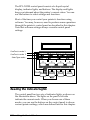
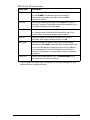
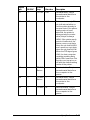
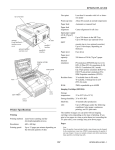
Continue
Reset
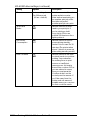
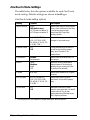
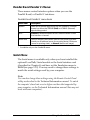
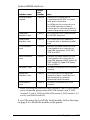
Press this button to switch the printer back on line
after you have cleared a problem. You can also use
the button to reset the printer back to the default
settings.
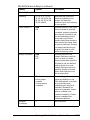
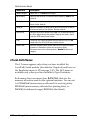
Press the ALT and Reset buttons until Reset
appears on the control panel display. This clears
all data in the printer’s memory.
Press ALT and Reset until Reset All appears on the
control panel display. This changes back all
default settings for all the printer’s emulation
modes and interfaces. It has the same effect as
turning the printer off and then back on again.
Note:
Resetting clears all pending print jobs, so if you’re connected to a
network, be careful not to disrupt another person’s print job.
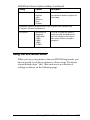
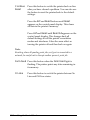
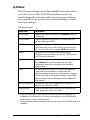
Form Feed Press this button when the Form Feed light is
flashing. The printer prints any data remaining in
its memory.
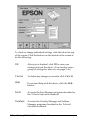
On Line
3-4
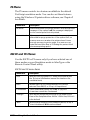
Press this button to switch the printer betwen On
Line and Off Line status.
Using the Control Panel