1
DIR-320NRU Multifunction Wireless Router
WiMAX, 3G GSM/CDMA with Built-in Switch
Supporting
Configuring via Web-based Interface
User Manual
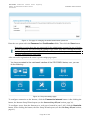
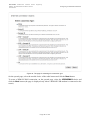
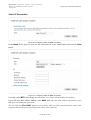
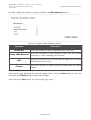
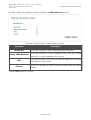
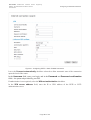
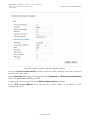
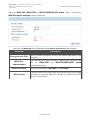
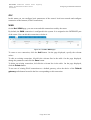
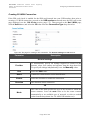
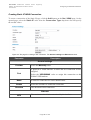
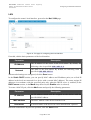
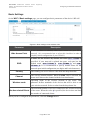
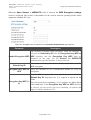
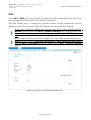
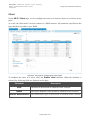
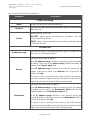
When the WPA, WPA2, or WPA/WPA2 mixed value is selected, the RADIUS settings and
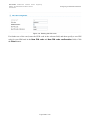
WPA Encryption settings sections are available:
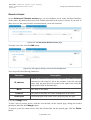
Figure 58. The WPA2 value is selected from the Network Authentication drop-down list.
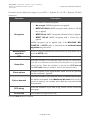
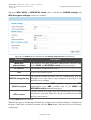
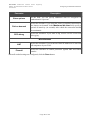
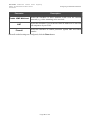
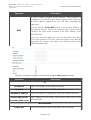
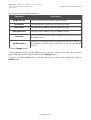
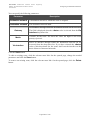
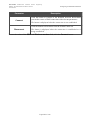
Parameter
Description
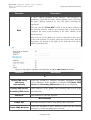
WPA2 Preauthentication
The checkbox activating preliminary authentication (displayed only
for the WPA2 and WPA/WPA2 mixed authentication types.
IP address
Port
The IP address of the RADIUS server.
A port of the RADIUS server.
The password which the router uses for communication with the
RADIUS encryption key RADIUS server (the value of this parameter is specified in the
RADIUS server settings).
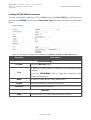
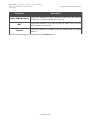
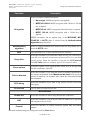
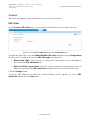
WPA Encryption
An encryption method: TKIP (available only for the WPA
authentication type), AES (available only for the WPA2 and
WPA/WPA2 mixed authentication types).
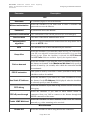
WPA renewal
The time period (in seconds), at the end of which a new key for WPA
encryption is generated. When the value 0 is specified for this field,
the key is not renewed.
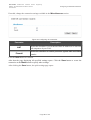
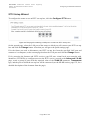
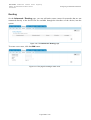
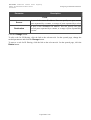
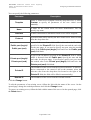
Click the Next button to continue.
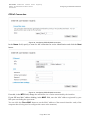
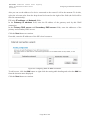
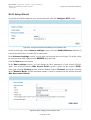
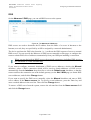
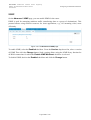
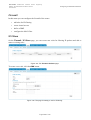
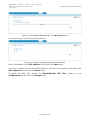
When all the steps of configuring the WLAN are completed, the specified settings are displayed on
the page. Check their correctness and then click the Save button. After that you get to the quick
settings page.
Page 67 of 156