1
5312/5324 IP Phones User Guide
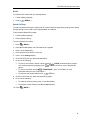
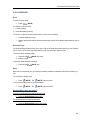
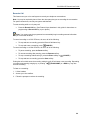
To return to Handsfree operation:
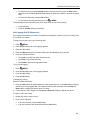
1. Press
( SPEAKER ).
2. Hang up the handset.
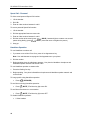
Auto–Answer
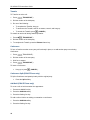
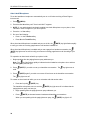
To enable or disable Auto–Answer:
•
Press the programmed Auto-Answer feature key.
Note: When Auto-Answer is enabled, the (MUTE) key light flashes rapidly to notify you of an
incoming handsfree call.
To enable or disable Auto-Answer on a 5324 IP Phone only:
1. Press
( MENU ).
2. Press the No softkey until "Auto Answer?" appears.
3. Do one of the following:
•
To enable Auto-Answer, press the TurnOn softkey.
•
To disable Auto-Answer, press the TurnOff softkey.
To answer a call when you hear ringback:
•
Begin speaking. Your phone's Handsfree microphone and Handsfree speaker transmit and
receive audio.
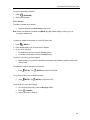
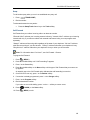
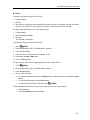
To temporarily mute the Handsfree microphone:
•
Press
(MUTE). The
(MUTE) key light turns ON solid.
To turn Mute off and return to the conversation:
•
Press
(MUTE). The
(MUTE) key light turns OFF.
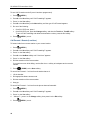
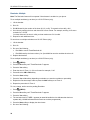
To end a call, do one of the following:
•
On a 5324 IP Phone only, press the Hang up softkey.
•
Press
•
Wait for the caller to hang up.
( CANCEL ).
11