1
8VLQJWKH
0DLQWHQDQFH
.LW
2
▲
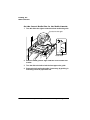
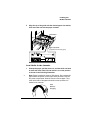
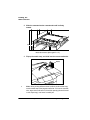
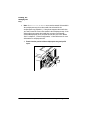
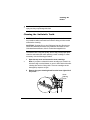
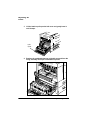
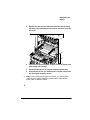
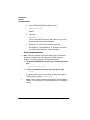
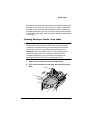
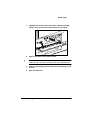
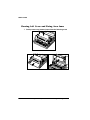
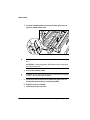
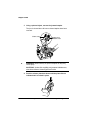
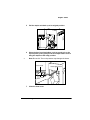
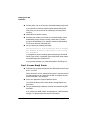
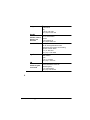
Wipe off any toner residue and paper dust from the registration roller area with a soft cloth dampened with water.Then
use a soft dry cloth to wipe off any remaining water.
Caution: When cleaning the registration roller area, be careful
not to touch the transfer charging roller. Finger oil, other
contaminants, or scratches on the roller may reduce print quality.
7UDQVIHU&KDUJLQJ5ROOHU
5HJLVWUDWLRQ5ROOHU$UHD
3
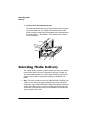
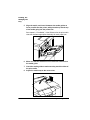
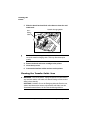
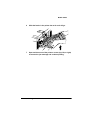
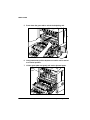
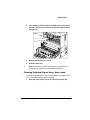
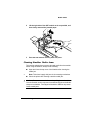
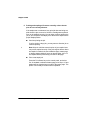
Return the brush and toner cartridge to the printer, then
close the top cover.
4
Connect the interface cables and turn on the printer.
8VLQJWKH0DLQWHQDQFH.LW
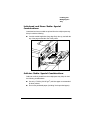
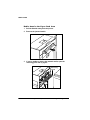
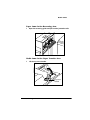
After about every 350,000 prints, the fixing assembly, the transfer
charging roller and gear assembly, and the feed and retard rollers
should be replaced. See chapter 9 of the Options guide, the “Installing the Maintenance Kit” section, for details on this kit.
3ULQWHU&DUH