1
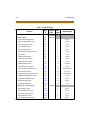
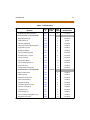
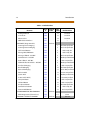
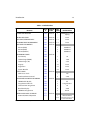
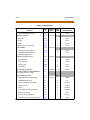
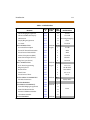
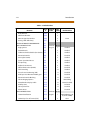
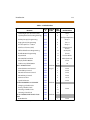
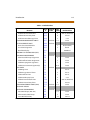
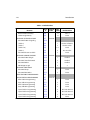
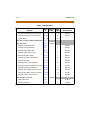
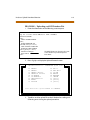
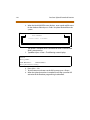
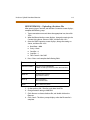
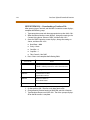
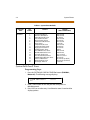
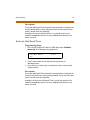
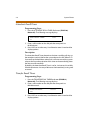
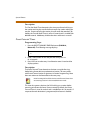
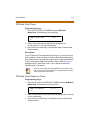
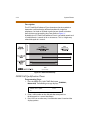
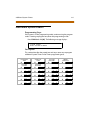
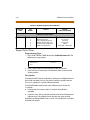
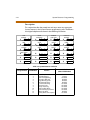
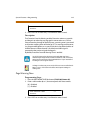
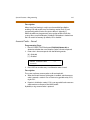
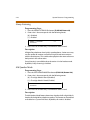
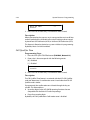
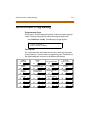
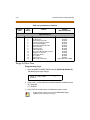
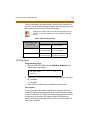
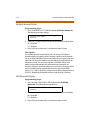
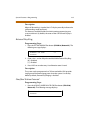
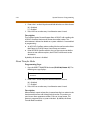
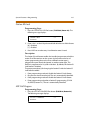
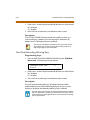
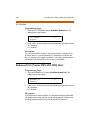
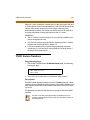
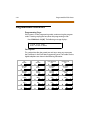
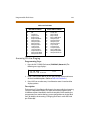
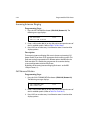
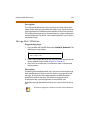
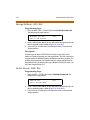
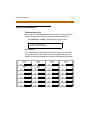
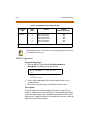
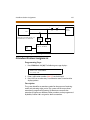
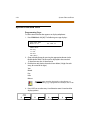
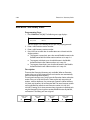
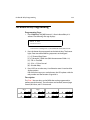
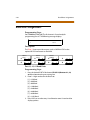
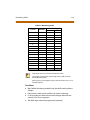
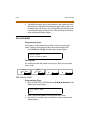
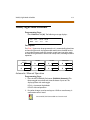
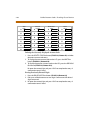
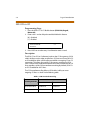
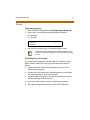
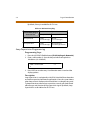
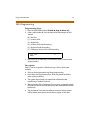
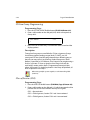
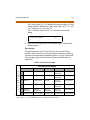
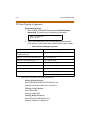
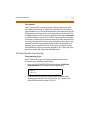
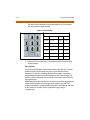
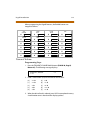
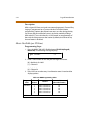
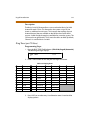
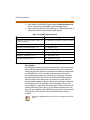
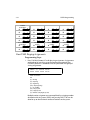
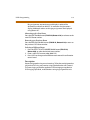
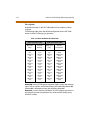
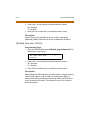
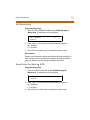
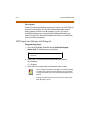
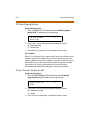
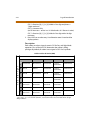
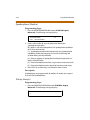
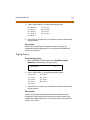
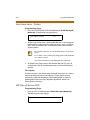
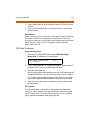
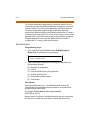
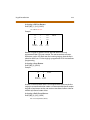
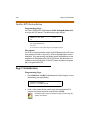
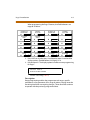
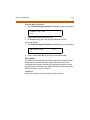
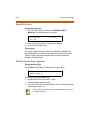
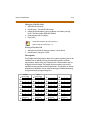
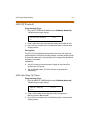
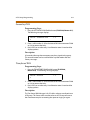
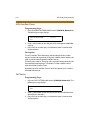
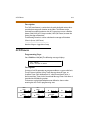
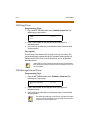
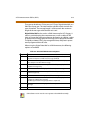
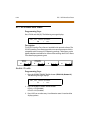
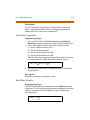
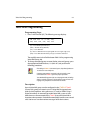
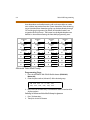
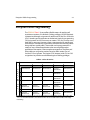
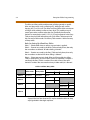
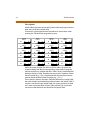
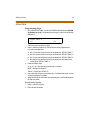
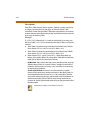
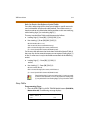
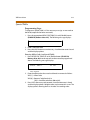
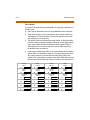
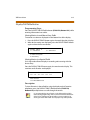
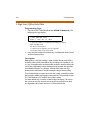
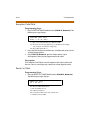
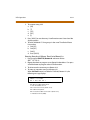
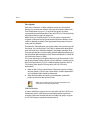
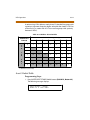
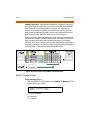
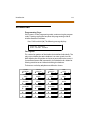
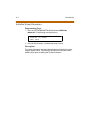
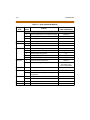
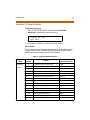
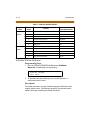
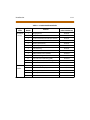
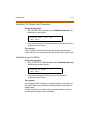
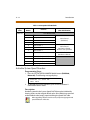
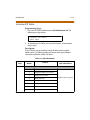
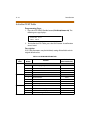
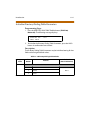
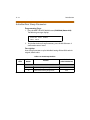
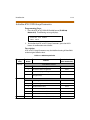
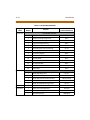
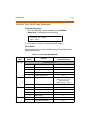
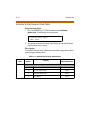
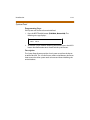
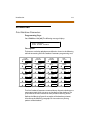
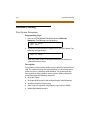
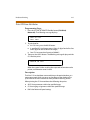
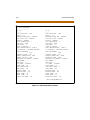
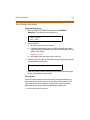
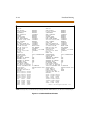
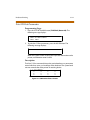
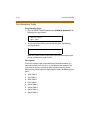
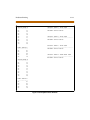
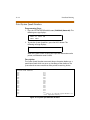
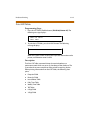
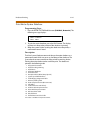
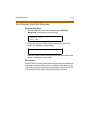
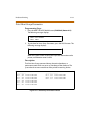
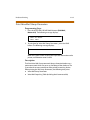
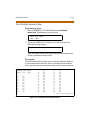
2-18 Additional System Timers Table 2-2: Additional System Timers Defaults Program Code Flex Button Default (after initialization) Feature Additional System Timers FLASH 02 1 2 3 4 5 6 Repeat Redial Timer ATD Display Timer Call Coverage Ring Timer Modem Answer Time-out Pulse Dial Inter-Digit Timer DTMF Time Operation 060 seconds 01 seconds 5 seconds 25 seconds 300ms 100ms ON / 100ms OFF Repeat Redial Timer Programming Steps 1. Press the RPT REDIAL TIMER flex button (FLASH 02, Button #1). The following message displays R PT R ED IA L 06 0 0 06- 99 9 2. Enter a valid number that corresponds to 006-999 seconds. 3. Press HOLD to save the entry. A confirmation tone is heard and the display updates. Description The Repeat Redial Timer lets a digital key station press a flexible button or dial a code and redial a busy or no-answer number at specific intervals. The user is signaled via a queue callback indication. The Redial flexible button flashes at the callback rate of 120 ipm for 15 seconds. If station does not answer within 15 seconds, the callback is cancelled. If station is busy with an internal/external call when the Redial queue callback occurs, the callback occurs after the user goes on-hook. By default, the Repeat Redial Timer is set for 1 minute (60) and is variable from 006-999 seconds.