1
RADview FCD-IP User’s Manual
Chapter 6 Configuring FCD-IP for a Typical Application
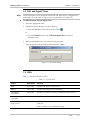
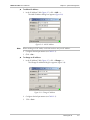
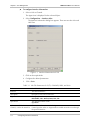
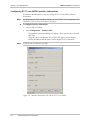
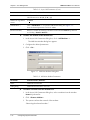
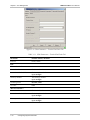
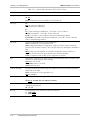
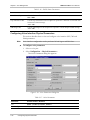
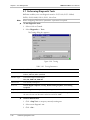
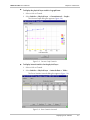
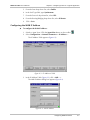
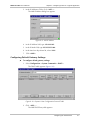
3. In the IP Addresses Table, click <Add…>.
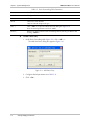
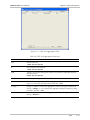
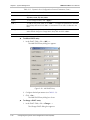
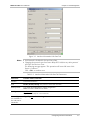
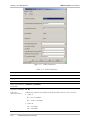
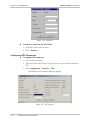
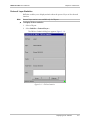
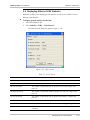
The Add IP Address dialog box appears.
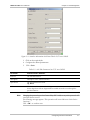
Figure 6-9. Add IP Address
4. In the IP Address field, type 192.168.10.2.
5. In the IP Mask field, type 255.255.255.000.
6. In the Interface drop-down list, select LAN1.
7.
Click <Add>.
Configuring Default Gateway Settings
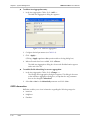
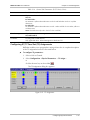
To configure default gateway settings:
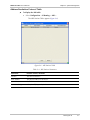
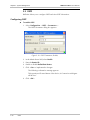
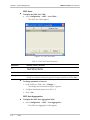
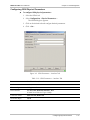
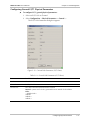
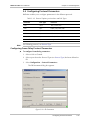
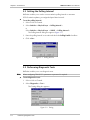
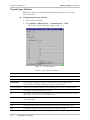
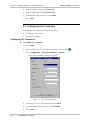
1. Select Configuration > System Commands > DHCP…
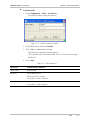
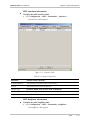
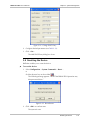
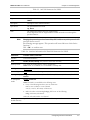
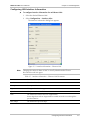
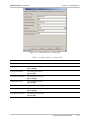
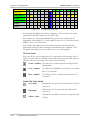
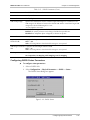
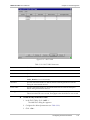
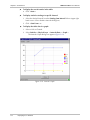
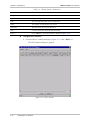
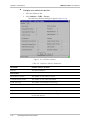
The DHCP table appears (Figure 6-10).
Figure 6-10. Dynamic Host Configuration Protocol Table
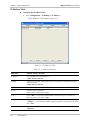
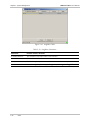
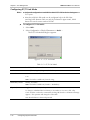
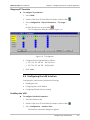
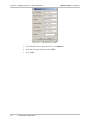
2. Click <Add…>.
The Add DHCP Entry table appears.
Configuring the LAN Interface
6-7