1
DiskMaster
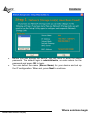
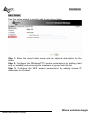
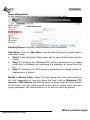
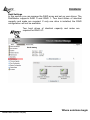
In event of problem, please write directly the IP (instead
of name) in the folder name. Please write:
\\IP address\guest-share. Then click Finish.
Mapping a Network Drive in Windows Vista
•
•
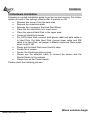
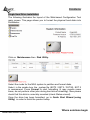
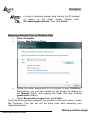
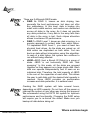
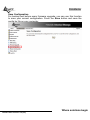
Start->Computer
Click on Map Network Drive.
•
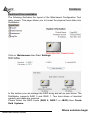
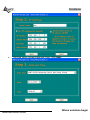
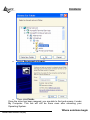
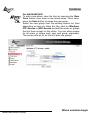
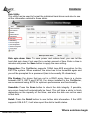
Follow the setup wizard and fill in the path to your DiskMaster.
Alternatively, you can also browse for the shares by clicking on
the Browse button and locating the folder that way (choose
guest-share folders).
•
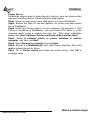
Select Reconnect at Logon then click Finish.
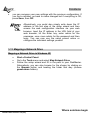
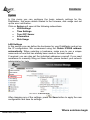
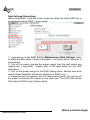
Once the drive has been mapped, you are able to find and access it under
My Computer. This link will still be there even after rebooting your
Operating System.
Where solutions begin
ISO 9001:2000 Certified Company