1
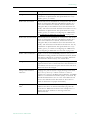
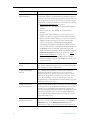
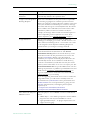
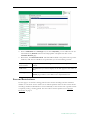
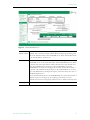
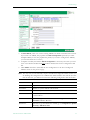
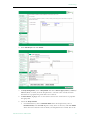
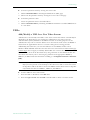
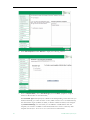
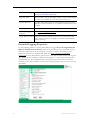
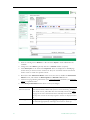
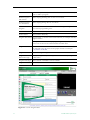
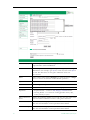
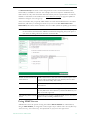
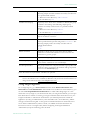
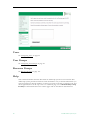
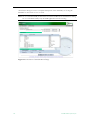
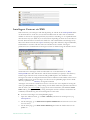
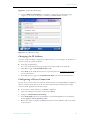
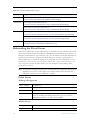
Global Settings
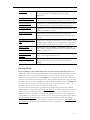
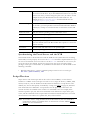
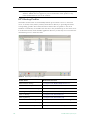
Live Stream
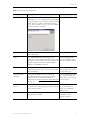
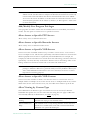
Click on any live stream shown in the list to populate this field.
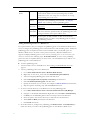
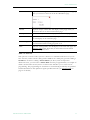
Max. Concurrent
Viewers
Set the maximum number of concurrent viewers for this stream to
unlimited or any number greater than zero.
Viewing Period of
Stream Recordings
Set the length of the viewing period for a file recorded with this
stream in hours, days, weeks, months, or years. The file will no longer
be available for viewing at the end of the period and will be deleted
or saved as configured in Global Assignments > Set Expired VOD
Content Treatment.
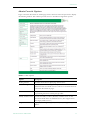
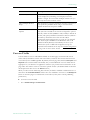
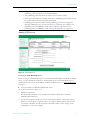
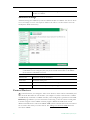
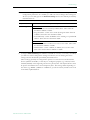
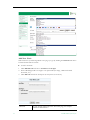
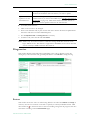
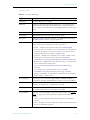
Servers
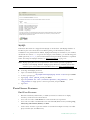
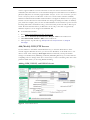
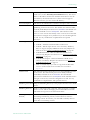
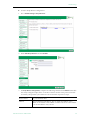
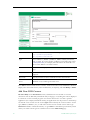
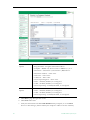
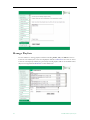
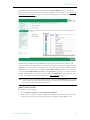
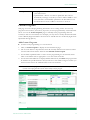
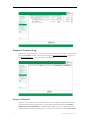
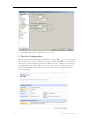
Use the Servers page to add or modify VOD or FTP servers, or to add or modify VOD
Content Folders. Note that you can cluster multiple servers to increase throughput: the ETV
Portal Server will automatically load balance all servers defined on the Servers page; no
additional configuration is necessary. Note that content added by users in the Internet zone
will only be ingested to VOD servers in the Internet zone for which they have permissions.
Content added by users in the LAN zone will be ingested to all VOD servers to which they
have permissions. See ETV VOD Servers on page 6 for more about ETV servers.
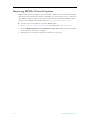
Note It may take up to 20 minutes for new server content to be displayed in the ETV Portal
Server. To make content available immediately, go to Global Settings > Global
Assignments > Assign VOD Polling Interval and click Sync Now.
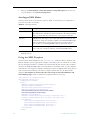
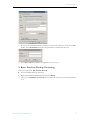
Using Secure FTP
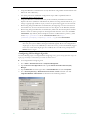
In v4.2 or higher, VBrick's FTP client supports secure FTP connections from the end user
(client), Portal Server and NVR to the VOD servers. This is accomplished using FTP over
SSL (FTPS protocol). Having a client that supports FTPS however, is not enough to have
secure FTP connections throughout the system. The FTP servers on all VOD servers also
ETV Portal Server Admin Guide
27