1
Making and Receiving Calls
Hold
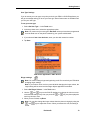
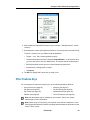
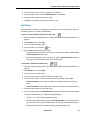
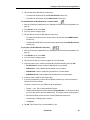
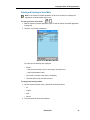
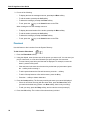
To put a call on hold
•
Press the
key. The call is put on hold, the
line icon flashes on the PDA.
key lights up, and the associated
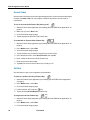
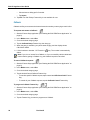
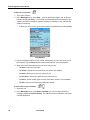
To retrieve a call from hold
•
Pick up the handset or headset, and press the
off, and you are reconnected to the party.
-
key. The
To pick up the call in handsfree mode, simply press the
line appearance.
key light turns
key or tap the flashing
To retrieve a call on hold from another station
•
If the station has a line appearance for the station that put the call on hold, tap its
flashing line icon.
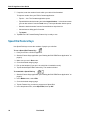
To move a call on hold to another line appearance
Note: You need at least two line appearances on your 5230 IP Appliance to use this
feature.
1. Tap an available line appearance button.
2. Tap the AddHeld softkey.
3. Tap the flashing line appearance button of the call on hold.
Messaging
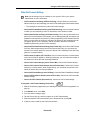
Use this feature to leave a message waiting indication on a phone when you hear busy or
ringback tone, or to answer a message waiting indication left by another phone.
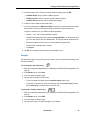
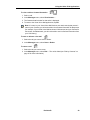
To leave a message waiting indication
1. Press the
key.
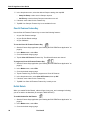
To answer to a message waiting indication
1. Press the
key.
2. Press/tap the Yes softkey.
Revision B
49