1
5230 IP Appliance User Guide
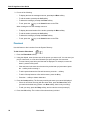
To receive a call
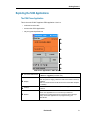
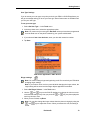
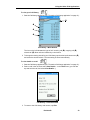
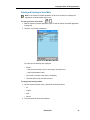
1. When a new call starts ringing, the display shows which line is ringing, with the
name/number of the caller (if available). The ringing line button on the PDA flashes red.
2. Lift the handset and start talking to your party. The line button on the PDA turns solid red.
•
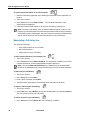
To immediately forward the call to the programmed attendant or voice mailbox,
tap/press the Forward softkey.
To end a call
•
Hang up the handset. OR Press the
key. OR Press the Cancel button on the PDA.
The line button turns grey (idle display).
To change the speaker volume
•
While on a call, press the
or
key to adjust the volume of the handset, headset
or handsfree speaker. The setting is saved for your next call.
Call Making Features
Note: Not all features may be available on your system. Talk to your system
administrator for more information.
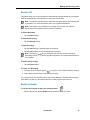
Call Transfer
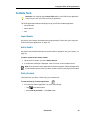
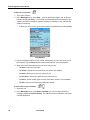
To transfer a call to an unconnected party
1. While on a call, press the
key. The call is put on hold.
2. Call the party to which you want to transfer the call (using any call making feature).
•
To cancel call transfer, press the
key, or the Cancel button on the PDA.
•
If you want to talk to this person, wait until the connection is established, then hang
up to transfer the held call (attended transfer).
•
If you do not need to talk to this person, hang up. The held call is transferred to the
call in progress (blind or unattended call transfer).
Note: If the call is unanswered, the call returns to your extension number.
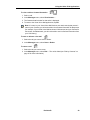
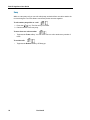
To transfer a call to a party already on hold
Note: You need at least two line appearances on your 5230 IP Appliance to use this
feature.
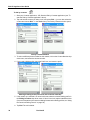
1. While on a call, press the
key. The call is put on hold.
2. Tap the line icon of the call previously on hold, and hang up. The call you put on hold
in step 1 is transferred to the call on this line.
46
Revision B