1
EC141-152_E.book Page 134 Tuesday, November 25, 2003 11:01 AM
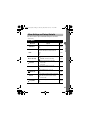
List of Messages
List of Messages
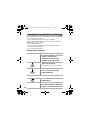
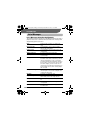
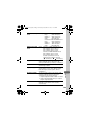
List of Messages during Shooting/Playback
The following messages may appear on the LCD monitor during shooting or
playback. Please refer to the Direct Print User Guide for the messages that
display during a printer connection.
134
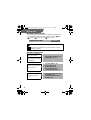
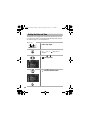
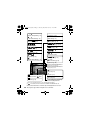
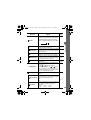
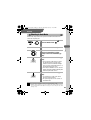
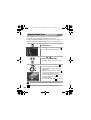
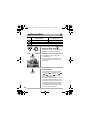
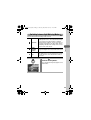
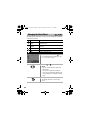
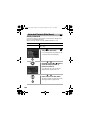
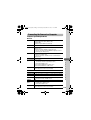
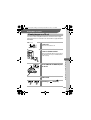
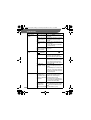
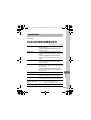
Busy...
Image is being recorded to, or read from, CF
card.
No memory card
You attempted to shoot or play back images
without a CF card installed.
Cannot record!
You attempted to shoot an image without a CF
card installed.
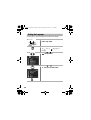
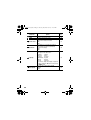
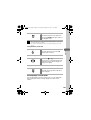
Memory card error!
CF card has experienced an anomaly.
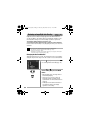
Memory card full
CF card is too full to accommodate more images
or print settings.
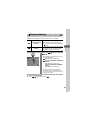
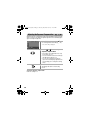
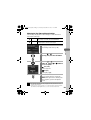
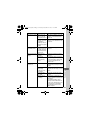
Naming error!
The file could not be created because there is a
file with the same name as the directory that the
camera is attempting to create, or the highest
possible file number has already been reached. In
the Rec. Menu, set the File Reset option to [On].
Save all the images you wish to retain onto a
computer, then reformat the CF card. Please note
that formatting will erase all the existing images
and other data.
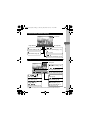
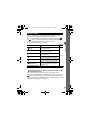
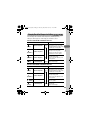
Change the battery pack
Battery charge is insufficient to operate the
camera. Replace it at once with a charged one or
recharge the battery pack.
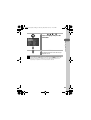
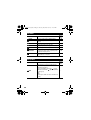
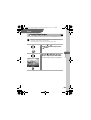
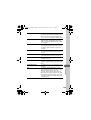
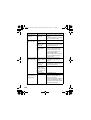
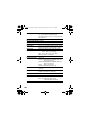
No image
No images recorded on CF card.
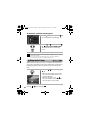
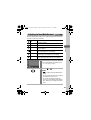
Image too large
You attempted to play back an image larger than
4064 x 3048 pixels or with a large file size.
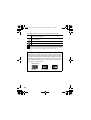
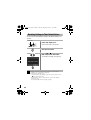
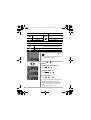
Incompatible JPEG format.
You attempted to play back an incompatible JPEG
file.
Corrupted Data
You attempted to play back an image with
corrupted data.
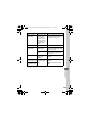
RAW
You attempted to play back an image recorded in
the RAW format.