1
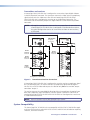
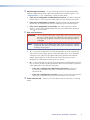
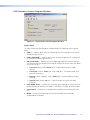
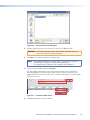
Figure 20. Choose Firmware File Window
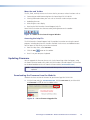
5. Navigate to and select the new firmware file, which has a .bin extension.
CAUTION: The firmware file must have a .bin extension. Other file types can
cause the transceiver to stop functioning.
6. Click Open. The Choose Firmware File window closes.
NOTE: When downloaded from the Extron website, the firmware is placed in a
subfolder of C:\Program Files\Extron\Firmware or
C:\Program Files (x86)\Extron\Firmware (for Windows 7).
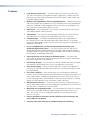
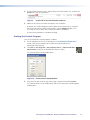
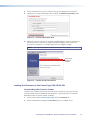
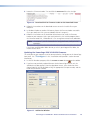
7. On the Firmware Loader window, click Begin.
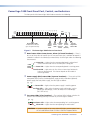
The Total Progress and Progress status bars show the progress of the upload. The
firmware upload to the unit may take several minutes. Once the status bars have
progressed from 0% to 100%, and Status is listed as Completed, the firmware loader
utility resets the unit.
7
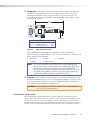
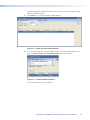
Figure 21. Firmware Loader Screen
8. Click Exit to close the Firmware Loader.
PowerCage Fox 3G HD-SDI • Remote Communication and Control
22