1
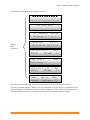
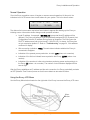
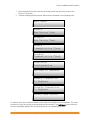
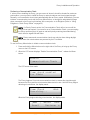
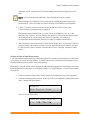
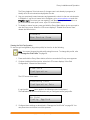
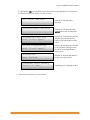
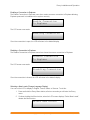
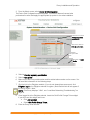
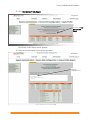
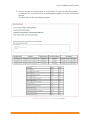
Envoy Installation and Operation Enabling a Connection to Enphase The Enable Connection to Enphase menu item creates a secure connection to Enphase allowing Enphase personnel to troubleshoot the system remotely. Enable Connection To Enphase The LCD screen now reads: Enabling Connection Once the connection is open, the LCD will return to the default display. Disabling a Connection to Enphase The Disable Connection to Enphase menu item closes the secure connection to Enphase. Disable Connection To Enphase The LCD screen now reads: Disabling Connection Once the connection is closed, the LCD will return to the default display. Selecting a New Locale (Change Language Display) You can set the LCD to display in English, French, Italian, or German. To do this: 1. Press and hold the Envoy Menu button; after two seconds you will enter the Envoy menu. 2. Continue holding the Menu button; when the LCD screen displays “Select New Locale”, release the Menu button. Select New Locale 21 Copyright 2012 Enphase Energy 141-00011 Rev 03