1
Physical Print with PDF generation
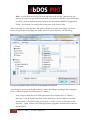
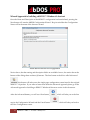
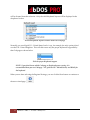
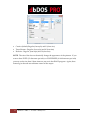
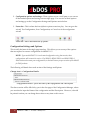
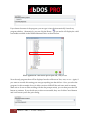
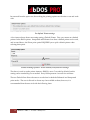
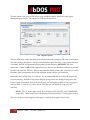
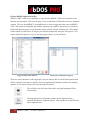
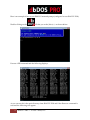
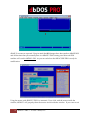
In the above image, notice that you can select the “Also send to printer” option; this will send
the output to the PDF generator and also to the physical printer!
NOTE: Please keep in mind that if this option is not set and output to PDF is selected
that NO physical print will occur. You must select the “Also send to printer” option if
you want a physical print, regardless if you have selected a default printer for the
configuration.
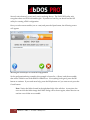
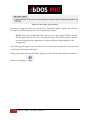
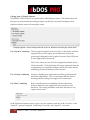
After selecting your options, you can either Save or Cancel from the operation. If you press the
Cancel button all changes will be lost!
When you are done selecting the Printer Settings, you can click the Next button to continue to
the next wizard page.
37
dbDOS™ PRO 3 – © 2014 | dBase, LLC.