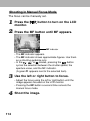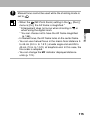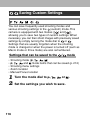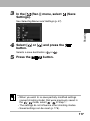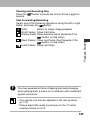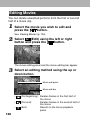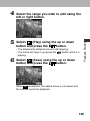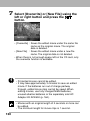
1
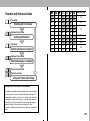
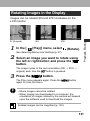
Manually Setting the Shutter Speed and Aperture
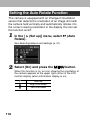
Available in the following modes.
You can manually set the shutter speed and aperture to
achieve a particular effect. This is convenient for shooting
fireworks and other images where it is difficult to set the
correct exposure automatically.
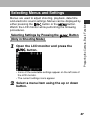
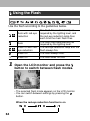
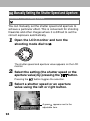
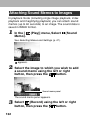
the LCD monitor and turn the
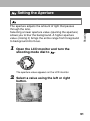
1 Open
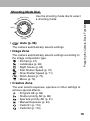
shooting mode dial to .
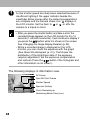
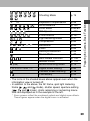
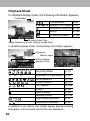
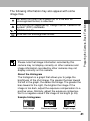
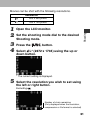
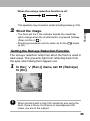
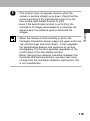
The shutter speed and aperture value appears on the LCD
monitor.
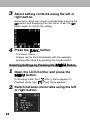
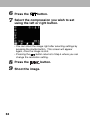
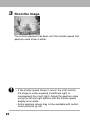
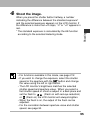
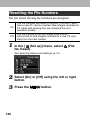
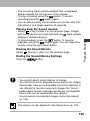
the setting (the shutter speed or the
2 Select
aperture value) by pressing the
button.
Pressing the
button toggles the selection.
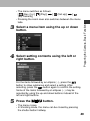
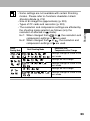
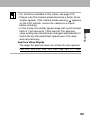
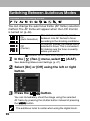
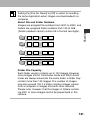
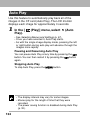
a shutter speed or an aperture
3 Select
value using the left or right button.
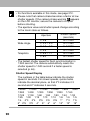
A green 1 appears next to the
adjustable item.
94