1
Loading paper
b
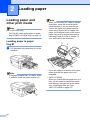
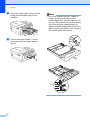
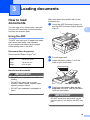
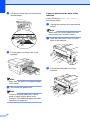
Open the output paper tray cover (1).
d
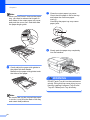
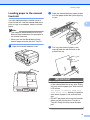
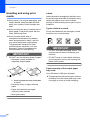
Fan the stack of paper well to avoid
paper jams and misfeeds.
2
1
Note
Always make sure that the paper is not
curled.
c
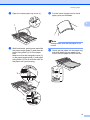
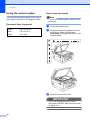
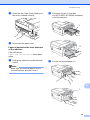
With both hands, gently press and slide
the paper length guide (1) and then the
paper side guides (2) to fit the paper
size.
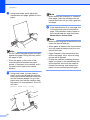
Make sure that the triangular marks (3)
on the paper length guide (1) and paper
side guides (2) line up with the mark for
the paper size you are using.
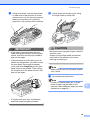
e
Gently put the paper into the paper tray
print side down and top edge in first.
Check that the paper is flat in the tray.
2
3
1
11