1
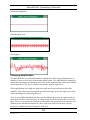
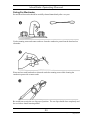
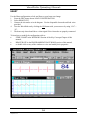
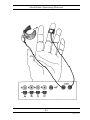
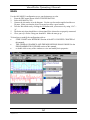
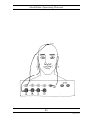
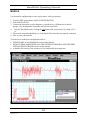
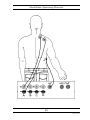
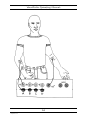
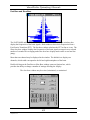
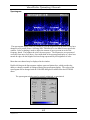
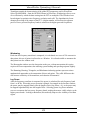
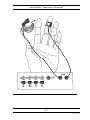
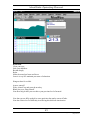
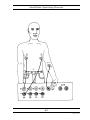
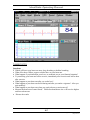
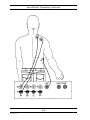
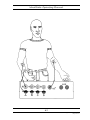
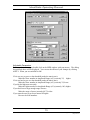
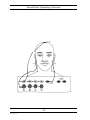
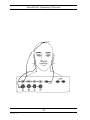
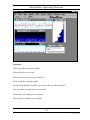
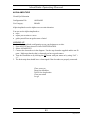
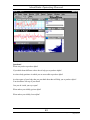
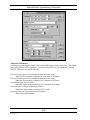
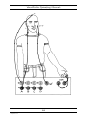
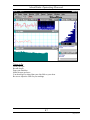
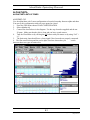
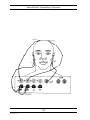
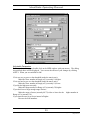
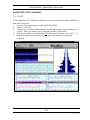
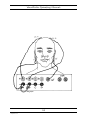
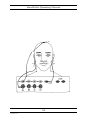
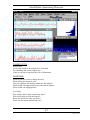
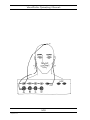
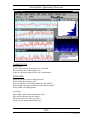
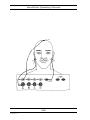
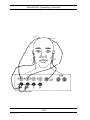
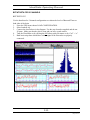
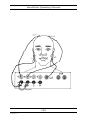
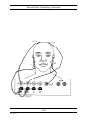
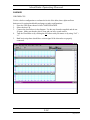
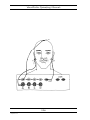
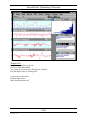
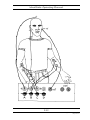
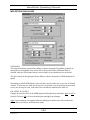
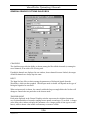
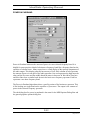
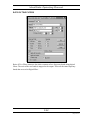
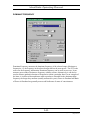
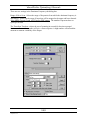
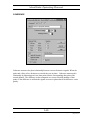
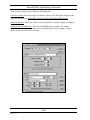
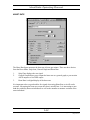
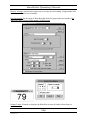
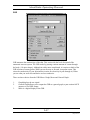
WaveRider Operating Manual PLAYING WITH THE HEART RATE Configuration File: Use Category: Heart Heart The WaveRider allows you to • look at your heart rate and compare it to the heart rates of other people • notice how different things affect your momentary heart rate • evaluate the effects of different things on your heart rate. The heart rate is the number of times per minute that the heart beats. The heart rate goes up and down depending on what you are doing or thinking as well as your state of health. In addition the heart rate varies between individuals. Some people have faster heart rates than others. Hooking Up Use the Heart configuration to look and listen to your heart rate change. 1. From the FILE menu choose LOAD CONFIGURATION. 2. Select HEART.CFG. 3. Connect the electrodes as in the diagram. Use the disposable electrodes and lead wires provided. 4. Turn the WaveRider on by clicking the ON button with your mouse or by using “Ctrl” + “o”. 5. The heart strip chart should have a clean signal if the electrodes are properly connected. 62 Copyright 1997-2004 Jonathan Purcell All Rights Reserved