1
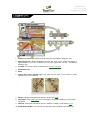
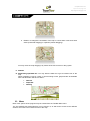
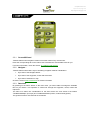
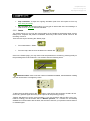
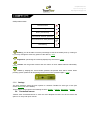
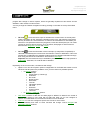
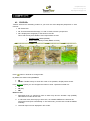
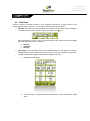
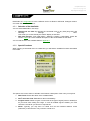
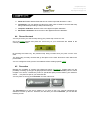
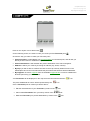
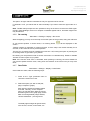
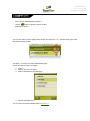
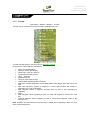
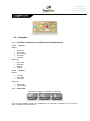
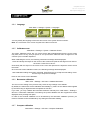
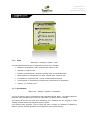
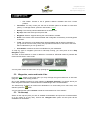
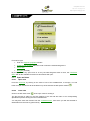
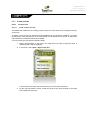
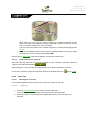
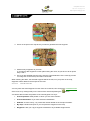
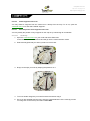
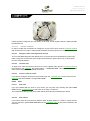
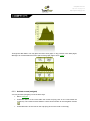
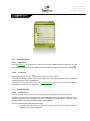
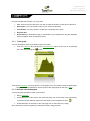
CompeGPS Team S.L. http://www.compegps.com http://support.compegps.com Stop simulation: It stops the ongoing simulation (both from A-B spots as from any track being animated). 3D Panorama: By using this option you may get an aerial view of the surroundings. In order to do it, 3D mode must be activated. 3.3.5 Status The „Status‟ allows you to know the general status of the TwoNav by displaying fields such as battery level, reception and position of satellites, luminosity of the screen, sound volume or the recording of a track. There are two ways of entering the „Status‟ page: From „Main Menu > Status‟ From the map, with the icons located on the bottom left Once in the „Status‟ page, you may enter to set the parameters it contains by pressing briefly on the percentage bar of each element. You will then enter the following items: Satellites status: enter to see the number of satellites available, their distribution orbiting over the vault and the coverage they reach. To disconnect the GPS press on the button. If the GPS is disconnected, TwoNav will not receive any position signal and many of the options will stop working properly. TwoNav will attempt to fix the current position. If you are anywhere without GPS cover (e.g.: inside a building), the GPS status will be “Without position”; i.e.: TwoNav has successfully established communication with the GPS, but the GPS cannot fix your position because there is no satellite signal.




























![TwoNav [platform][version]](http://vs1.manualzilla.com/store/data/006163237_1-2ed879c8b9cb83b9cbc3a5d3760a7be6-150x150.png)
![TwoNav [platform][version]](http://vs1.manualzilla.com/store/data/006158074_1-4953c8fbc289832ee2abb2d845854be3-150x150.png)