1
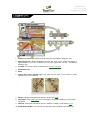
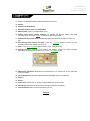
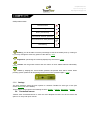
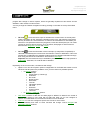
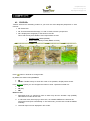
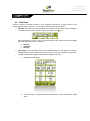
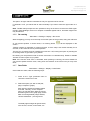
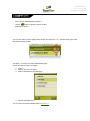
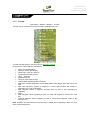
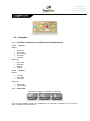
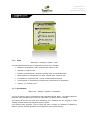
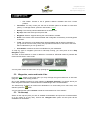
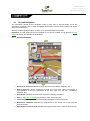
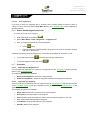
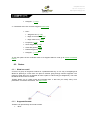
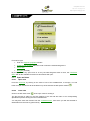
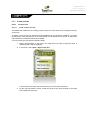
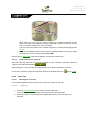
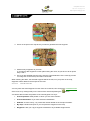
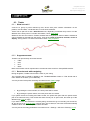
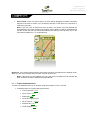
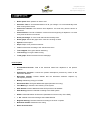
CompeGPS Team S.L. http://www.compegps.com http://support.compegps.com GOTO arrow: In the „next event‟ space, an arrow will be displayed to indicate a direction tangent to the track. It means you can take the direction of this arrow as a reference to keep going your way. Note: If you are over 50 metres far from the track, the GOTO arrow will indicate the perpendicular to the track instead of the tangent. At this distance it will be considered that you are off the way that you should be following and that you must go back to it in the most direct possible way, i.e. perpendicularly. Guide line: Your position will be joined to the track by means a perpendicular line between them. When you are over 50 metres from the track, this line will turn red. Note: If the track you are following has over 100 points, the guide line will indicate the point closest to the track instead of the perpendicular. 8.3.11 Tracks contextual menu To open the contextual menu on an element, keep the pressure on it for 1 second. 1. Contextual menu of a track inside the tracks list: Track properties (+info) Close Track (+info) Delete file (+info) Close all except this one Save Track as… (+info) Rename file (+info) Graph window (+info)




























![TwoNav [platform][version]](http://vs1.manualzilla.com/store/data/006163237_1-2ed879c8b9cb83b9cbc3a5d3760a7be6-150x150.png)
![TwoNav [platform][version]](http://vs1.manualzilla.com/store/data/006158074_1-4953c8fbc289832ee2abb2d845854be3-150x150.png)