1
Facsimile User Tools
Registering/Editing the
Contents of a User Function
Key
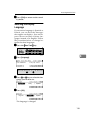
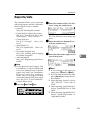
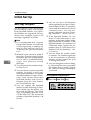
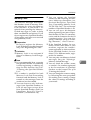
There are two types of programming
methods.
• Programming the contents of a
User Function key by specifying a
function code with the number
keys
• Programming a User Function key
on the job
Note
❒ The function that is already assigned to a User Function key cannot be assigned to another User
Function key.
6
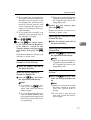
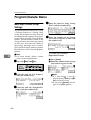
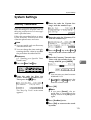
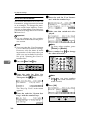
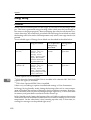
Programming by Specifying a Function
Code with the Number Keys
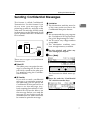
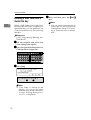
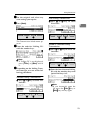
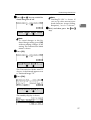
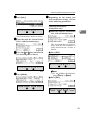
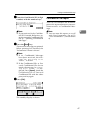
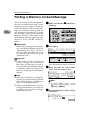
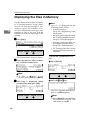
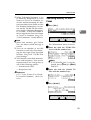
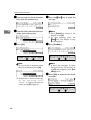
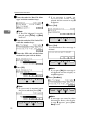
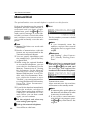
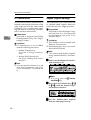
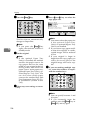
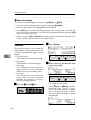
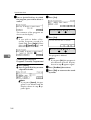
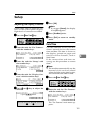
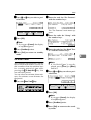
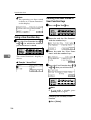
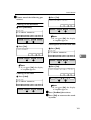
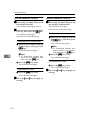
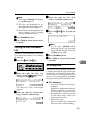
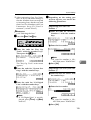
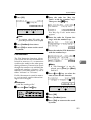
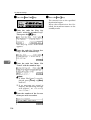
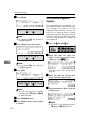
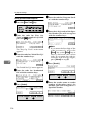
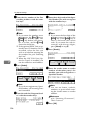
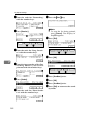
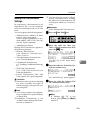
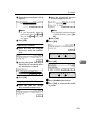
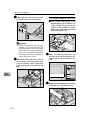
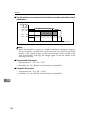
A Press the {User Tools}} key.
B Enter the number of the "Fax Features".
The "Fax Features" main menu appears.
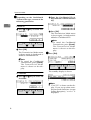
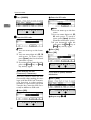
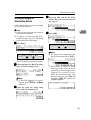
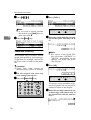
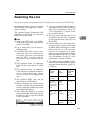
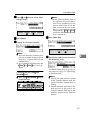
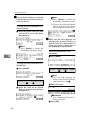
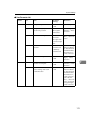
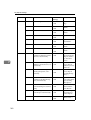
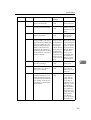
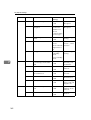
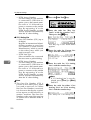
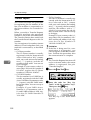
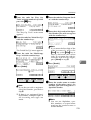
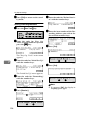
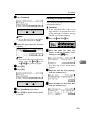
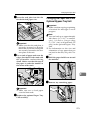
C Enter
the code for "User Functions" using the number keys.
156
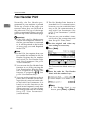
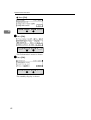
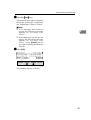
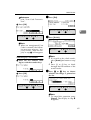
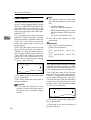
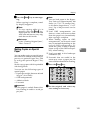
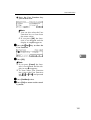
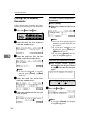
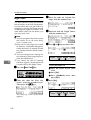
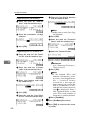
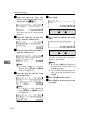
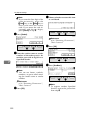
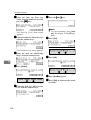
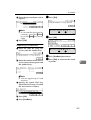
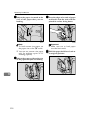
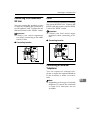
D Press the User Function key ({{F1}}
to {F10}
}) you wish to use.
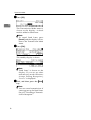
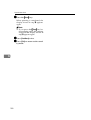
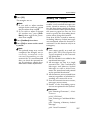
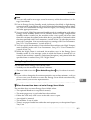
Note
❒ If you make a mistake, press
[Cancel], and then press the correct key.
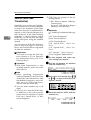
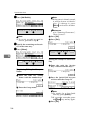
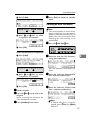
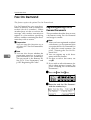
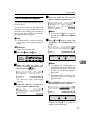
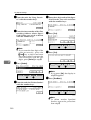
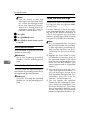
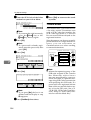
Checking the Contents of User
Function Keys Currently
Programmed
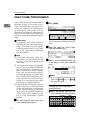
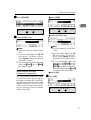
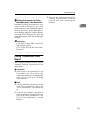
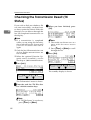
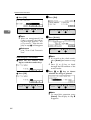
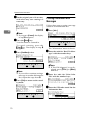
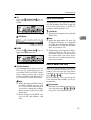
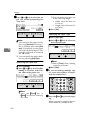
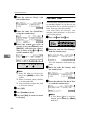
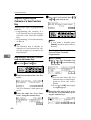
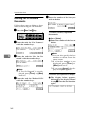
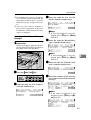
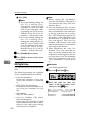
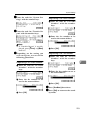
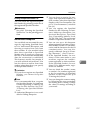
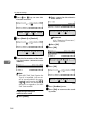
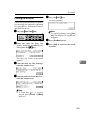
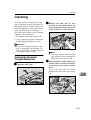
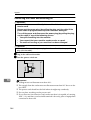
A Press [Status].
B Press the User Function key
({
{F1}
} to {F10}
}) you wish to register or edit.
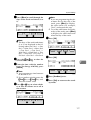
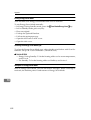
Note
❒ You can also select the User
Function key to store the prog r a m i n f r o m th e s t a t u s
screen.
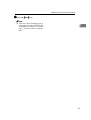
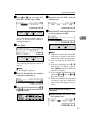
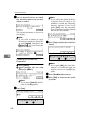
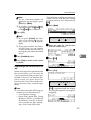
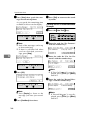
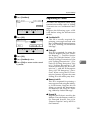
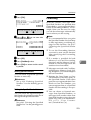
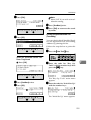
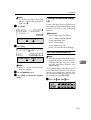
❒ If you press [OK], the display
in step D appears.
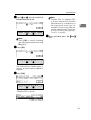
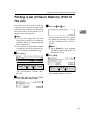
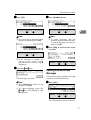
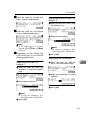
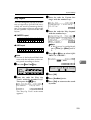
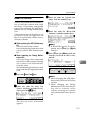
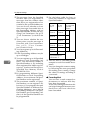
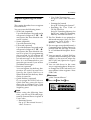
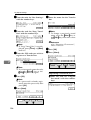
E Enter the code you wish to regis-
ter into the User Function key using the number keys.