1
Initial Set Up
Note
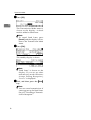
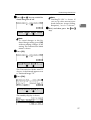
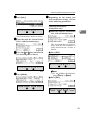
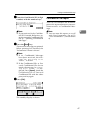
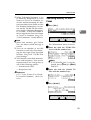
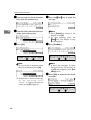
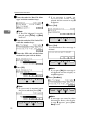
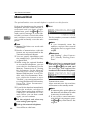
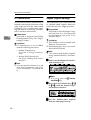
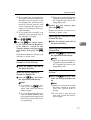
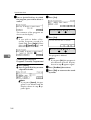
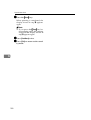
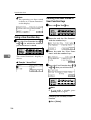
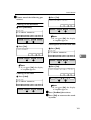
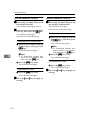
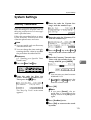
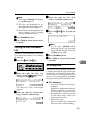
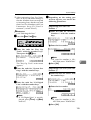
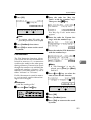
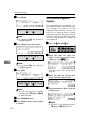
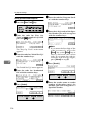
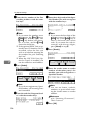
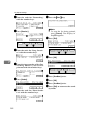
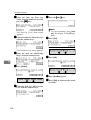
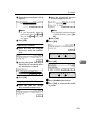
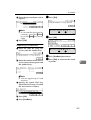
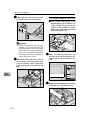
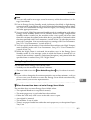
❒ To delete another Specified
Sender, repeat the procedure
from step G.
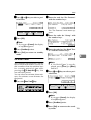
K Press [Exit].
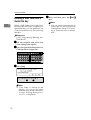
Printing the Specified Sender
List
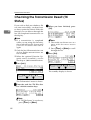
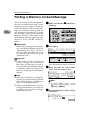
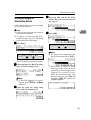
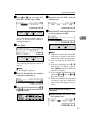
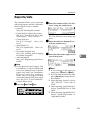
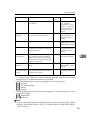
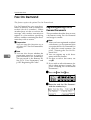
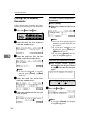
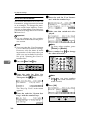
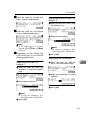
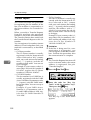
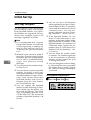
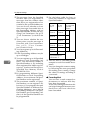
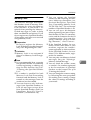
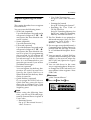
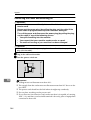
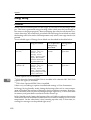
Follow the steps below to print a single-page list of Specified Senders registered for each of the following
features:
Reference
p.214 “Multi-copy Reception”
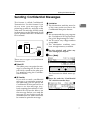
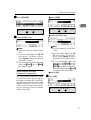
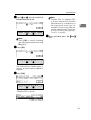
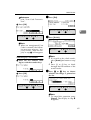
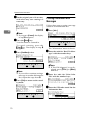
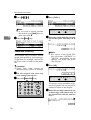
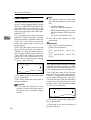
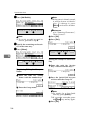
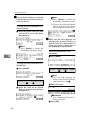
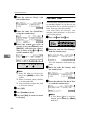
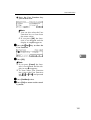
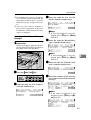
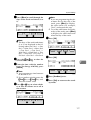
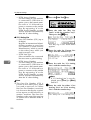
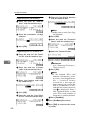
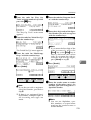
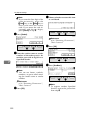
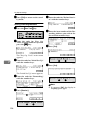
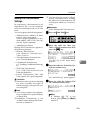
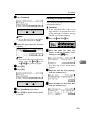
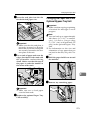
L Press [OK].
p.217 “Authorized Reception”
p.220 “Specified Tray”
p.223 “Forwarding”
p.233 “Memory Lock”
p.236 “TX/RX File Save Settings”
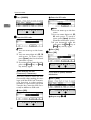
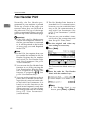
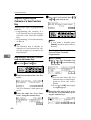
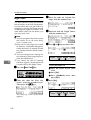
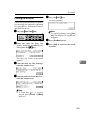
How to Print Specified Sender List
Note
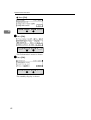
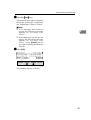
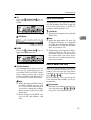
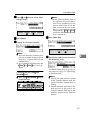
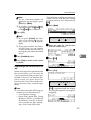
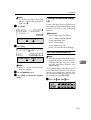
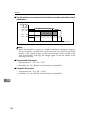
❒ Enter "1" if you wish to invalidate the setting.
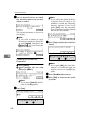
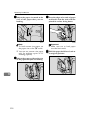
M Press [PrevMenu] twice.
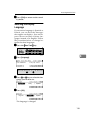
N Press [Exit] to return the standby
mode.
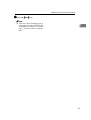
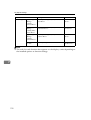
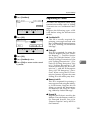
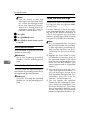
Note
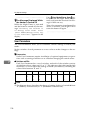
❒ For information about how to print
Specified Sender List for the Forwarding function, see p.231 “Printing the Specified Sender List
(Forwarding)”.
7
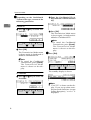
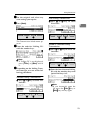
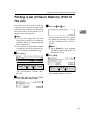
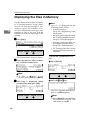
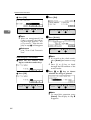
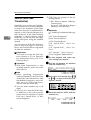
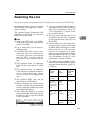
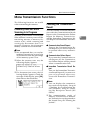
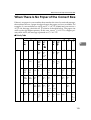
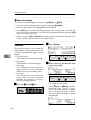
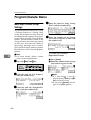
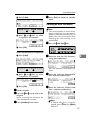
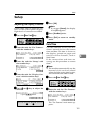
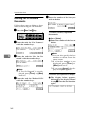
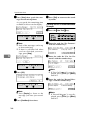
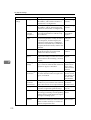
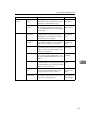
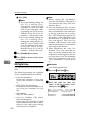
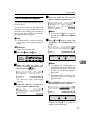
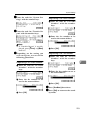
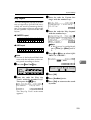
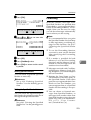
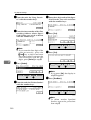
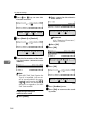
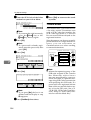
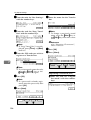
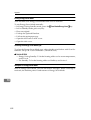
The example below describes how to
print Specified Senders List for the
Multi-copy Reception feature. The
procedure for other functions is identical except for steps E and I.
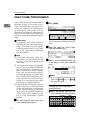
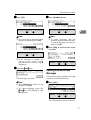
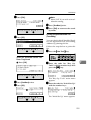
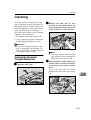
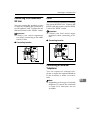
A Press the {User Tools}} key.
241