1
Facsimile User Tools
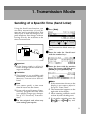
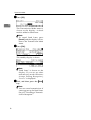
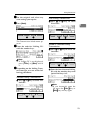
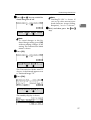
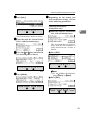
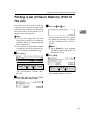
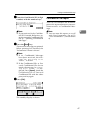
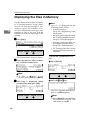
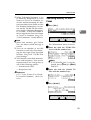
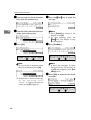
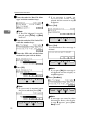
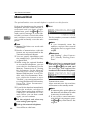
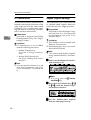
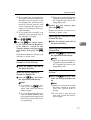
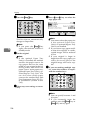
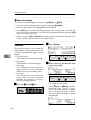
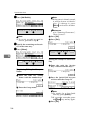
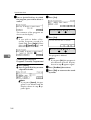
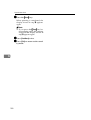
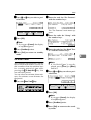
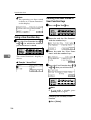
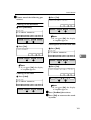
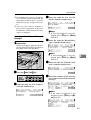
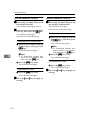
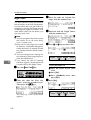
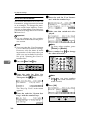
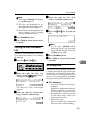
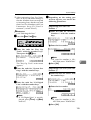
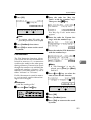
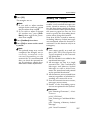
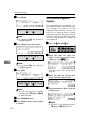
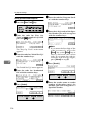
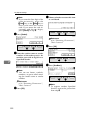
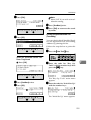
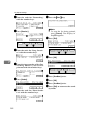
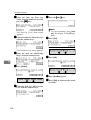
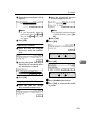
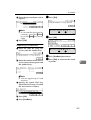
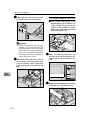
E Press the {Start}} key.
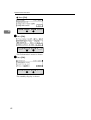
When printing is completed, the
display shown in step D appears
again.
Note
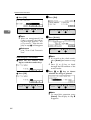
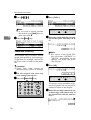
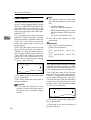
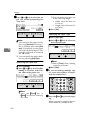
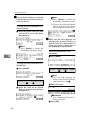
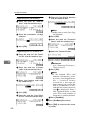
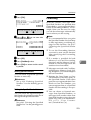
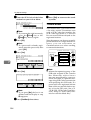
❒ If you press the {Stop}
} key before printing starts, the printing
stops and the display shown in
step D appears again.
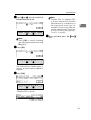
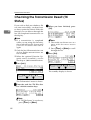
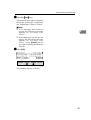
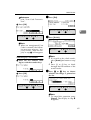
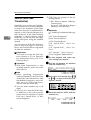
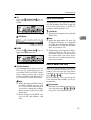
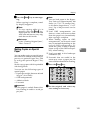
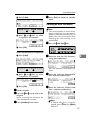
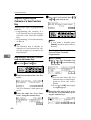
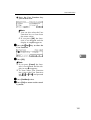
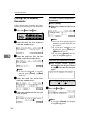
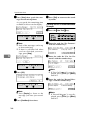
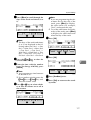
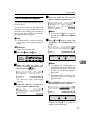
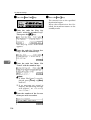
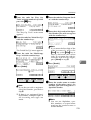
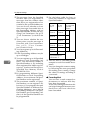
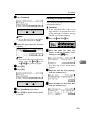
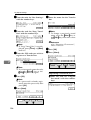
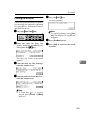
F Press [PrevMenu] twice.
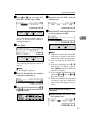
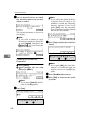
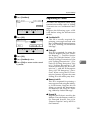
G Press [Exit] to return to the standby mode.
6
150