1
Chapter 6
Power Measurement
Introduction
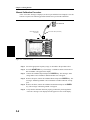
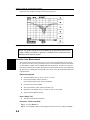
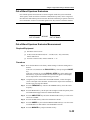
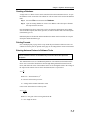
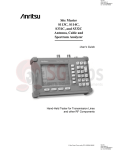
The Site Master with Option 5 installed can be used for making power measurements with a
broadband (1 MHz to 3000 MHz) RF detector, Anritsu P/N 5400-71N50. The power monitor displays the measured power results in dBm or Watts.
Power Measurement
Required Equipment
q
Site Master Model S114C or S332C with Power Monitor option
q
Broadband RF detector, Anritsu P/N 5400-71N50
q
30 dB, 50 Watt, bi-directional, DC –18 GHz, N(m) – N(f), Attenuator, 42N50A-30
Procedure
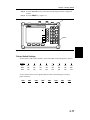
Step 1. Press the ON/OFF key on the Site Master.
Step 2. Press the MODE key.
Step 3. Use the Up/Down arrow key to select the Power Monitor mode and press
ENTER.
Zeroing the Power Monitor
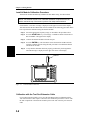
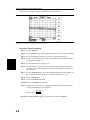
Step 4. With no power applied to the DUT, press the ZERO soft key from the Power
menu. Wait for a few seconds while the Site Master accumulates data samples of
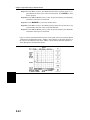
the quiescent power. When complete, ZERO ADJ: On is displayed in the message area.
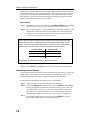
Measuring High Input Power Levels
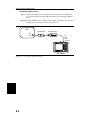
Step 5. Insert an attenuator between the DUT and the RF detector to protect the Site
Master so that the input power level is less than or equal to 20 dBm.
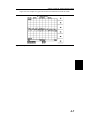
Step 6. Press the OFFSET soft key.
Step 7. Enter the attenuation in dB using the keypad. Press the ENTER key to complete
the entry. The message area will show REL: ON along with the entered value in
dB.
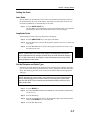
Displaying Power in dBm and Watts
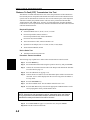
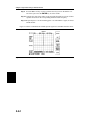
Step 8. Press the UNITS soft key to display power in Watts.
6-1
6