1
50
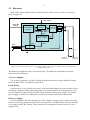
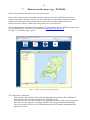
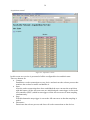
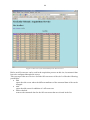
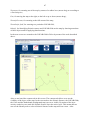
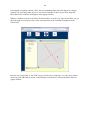
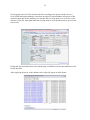
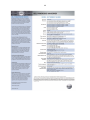
After pushing the data function button, the screen above appears which gives us an overview
of all the data files of the selected LOFAR field. This screen allows us to look further for data
files of a certain date, by selecting a day in the list (mouse click).
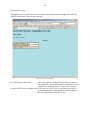
Finally we can download the data files by selecting and downloading the files to our local
work station.
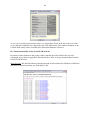
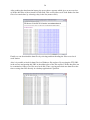
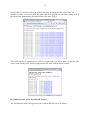
Also it is possible to look for data files in a Windows file explorer. By copying the FTP-URL
in the screens and pasting this URL in the address bar of the file explorer, all the data files can
be examined as if they were files on a local disk. Thus, copying more than one data file at the
time or using data files directly in a desktop application is possible.