1
3000-Sheet
Large-Capacity
Output Stacker
5
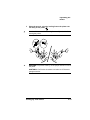
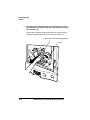
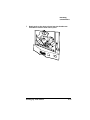
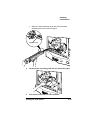
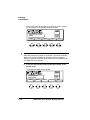
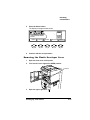
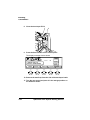
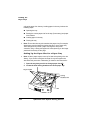
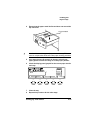
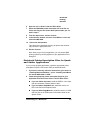
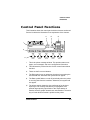
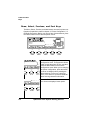
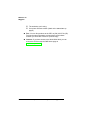
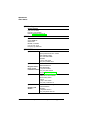
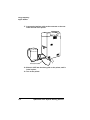
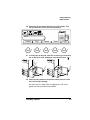
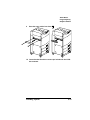
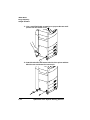
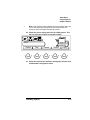
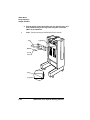
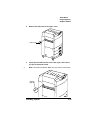
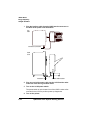
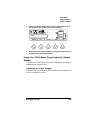
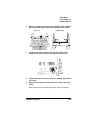
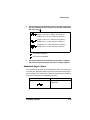
Check the printer display panel for the LCOS graphic. This
lets you know the LCOS is connected properly.
LETTER
IDLE
Online
6
LETTER
LETTER
Tray
Cancel
Status
LTR
Copy
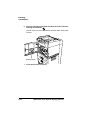
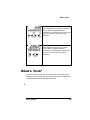
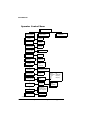
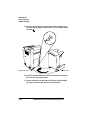
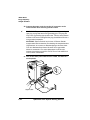
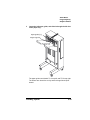
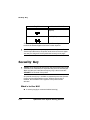
Select the LCOS as the output bin through the Operator Control/Outputbin configuration menu.
Using the 3000-Sheet Large-Capacity Output
Stacker
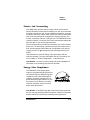
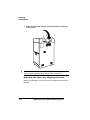
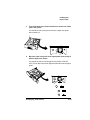
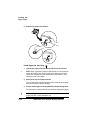
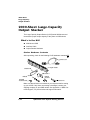
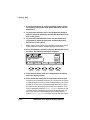
This section provides information on how to adjust the paper stopper
and paper guides on the LCOS.
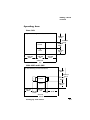
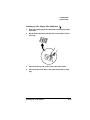
Adjusting the Paper Stopper
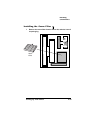
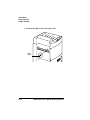
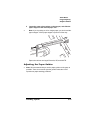
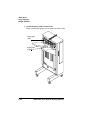
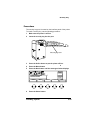
After you install the 3,000-sheet LCOS, adjust the paper stopper to fit
the size of paper you’re using.
Installing Options
C-45