1
Overview
Return to Cover Page
Getting Ready
Printing
Appendices
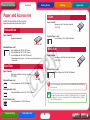
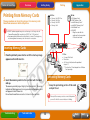
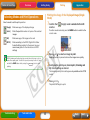
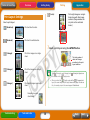
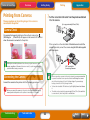
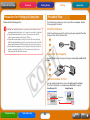
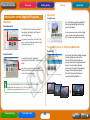
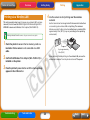
Printing One Copy of All Images on the Card
1 Switch the mode to
You can create an index of all the images on a memory card by selecting the
(All) mode, setting the print layout to
(Index) and printing.
(All) using the MODE button.
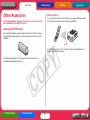
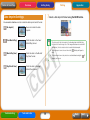
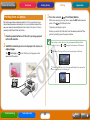
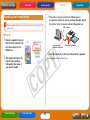
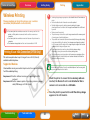
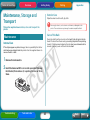
Printing According to the DPOF Settings Selected in
the Camera
1 Use the camera to select the images and number of
2 Configure the print layout, date imprint and My Colors
copies you desire.
Methods for configuring print settings may vary between camera
models. See your camera user guide.
settings as desired.
These settings apply to all of the images. The My Colors setting is
only available on the CP730 model.
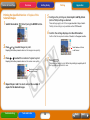
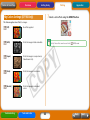
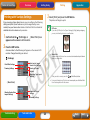
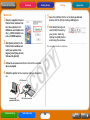
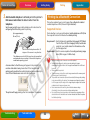
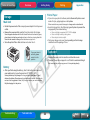
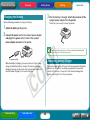
2 Switch the mode to
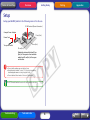
3 Confirm the settings displayed on the LCD monitor.
(DPOF) using the MODE button.
You will not be able to select the DPOF mode if DPOF data is not
contained on the memory card.
Confirm that the required number of sheets is in the paper cassette.
The [Print Type] selected in
the camera will display.
Total Number of Sheets
Required
Total Number of Prints
to Be Printed
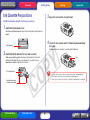
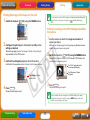
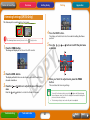
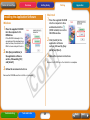
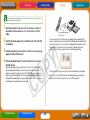
4 Press
PRINT/STOP
3 Press
.
PRINT/STOP
.
The printer will begin to print.
The printer will begin to print.
The date imprint will print according to the DPOF settings. You cannot
configure the date imprint with the printer’s DATE button in this case.
Neither can you specify a print layout.
Troubleshooting
Tasks and Index
17
Back
Next