1
Using Special Applications
USB Client Function
USB Client Function lets you to define the function when your handheld is connected to the
host. There are three kinds of USB Client functions, including Active Sync, USB Disk, and
Network. Active Sync allows you to transmit files, music, or document between your
handheld and PC synchronically. USB Disk features as the storage of your PC when you
insert a memory card in your handheld device. Network can share the network resource
between your handheld and PC.
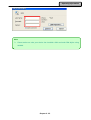
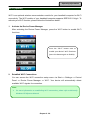
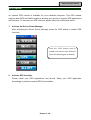
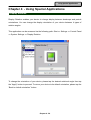
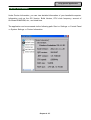
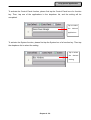
To activate the desired function, please follow the following path: Start => Settings =>
Control Panel => System Settings => USB Client Function. Then, tap the dropdown list to
select the desired function.
Chapter 4 ‐ 40