1
Managing OmniSwitch 6850/6850E Series Stacks
Slot Numbering
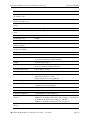
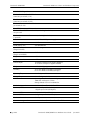
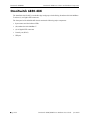
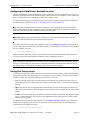
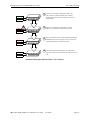
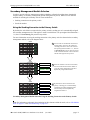
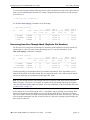
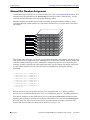
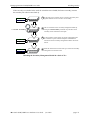
When the stack comes up following the reboot, the manually-configured slot numbers display as follows:
Slot 1 - Primary
Slot 2 - Secondary
Slot 3 - Idle
Slot 4 - Idle
Slot 5 - Idle
Slot 6 - Idle
Slot 7 - Idle
Slot 8 - Idle
The stack set slot command can also be used to manually correct duplicate saved slot assignments within
the stack topology. Refer to pages 6-14 through 6-16 for detailed information.
Reverting to the Dynamic Slot Numbering Model
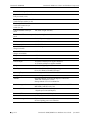
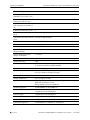
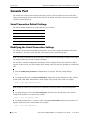
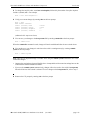
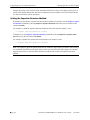
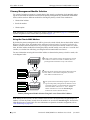
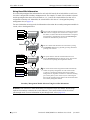
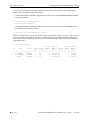
To clear the boot.slot.cfg files from the stack’s /flash directories, use the stack clear slot command on all
modules and then reboot the stack. For example:
->
->
->
->
->
->
->
->
->
stack clear
stack clear
stack clear
stack clear
stack clear
stack clear
stack clear
stack clear
reload all
slot
slot
slot
slot
slot
slot
slot
slot
1
2
3
4
5
6
7
8
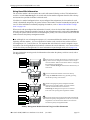
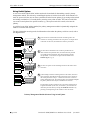
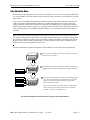
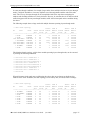
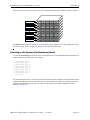
The commands shown above clear the saved slot information from all modules in an eight-module stacked
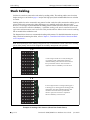
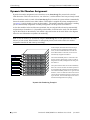
configuration and then reboot the stack. Because the system software no longer has preassigned slot information to read during the boot process, the stack uses the dynamic slot number assignment method
described on page 6-22.
OmniSwitch 6850/6850E Series Hardware Users Guide
June 2012
page 6-25