1
Answering a call
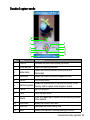
When you receive a phone call, the phone rings or vibrates and a message will appear on the
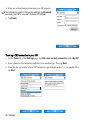
or tap Answer to answer the call. (Alternatively, you can cancel the
screen. Press Send
or tap Ignore.)
call and ringing by pressing End
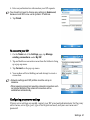
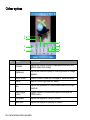
To put the current call on hold, press Send
again or tap
or tap
. To resume, press Send
.
Ending a call
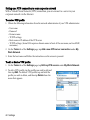
When you are finished with your phone call, press End
or tap
to end the call.
Making a call from Contacts
You can make a call from Contacts.
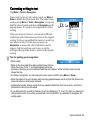
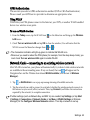
1. To open Contacts when you are in the Today screen, press the Right soft key or tap
Contacts. If you are in the Phone screen, press the Left soft key or tap Contacts.
2. Tap and hold on a contact person to bring up the pop-up menu, or tap a contact person to see
the name, phone number and speed dial key.
3. Tap Call, Call Work, Call Home, or Call Mobile (depending on how you saved these
numbers) to make the call.
46 Phone operation