1
SP4900_uguide.book Page 83 Tuesday, December 9, 2014 12:30 PM
Printing With Epson Drivers for Windows | 83
Managing Print Jobs
Your printer comes with two utilities that let you check on your print jobs
and cancel, pause, or restart them.
The Progress Meter opens each time you send a print job. Status Monitor 3,
which appears on the taskbar when you print, lets you check the printer’s
status and monitor print jobs. You can control how these programs work
using the Speed and Progress and Monitoring Preferences utilities.
Using the Progress Meter
Note: If your print job is
no longer spooling in the
computer, you can also
cancel it by pressing the
button, selecting
JOB CANCEL, and
pressing the OK button.
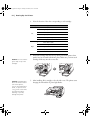
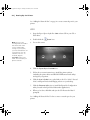
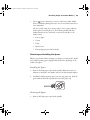
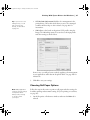
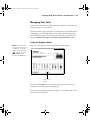
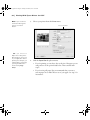
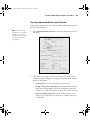
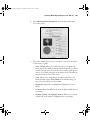
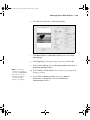
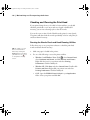
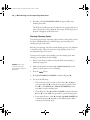
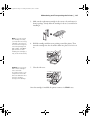
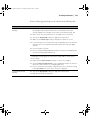
After you send a print job, the Progress Meter window appears:
Click to cancel
printing
You can use the Stop button to cancel your print job. You also see how
much ink you have left and view printing tips.
If you don’t want the Progress Meter to appear, you can turn it off. See the
next section for instructions.
83