1
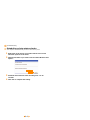
Deleting the PhotoThru
program
PhotoThru is a photo-editing program. If any problems occur after installing the
program, delete the program and reinstall it.
1
2
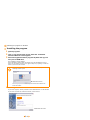
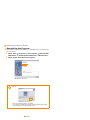
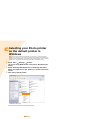
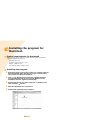
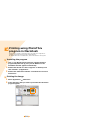
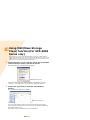
Select 'Start' → 'Programs' or 'All Programs' → 'PhotoThru' →
'Uninstall.'
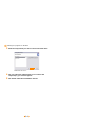
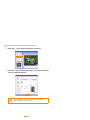
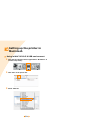
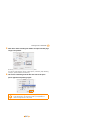
Select 'OK' when the screen for confirming to delete program
after the InstallShield Wizard screen appears.
▲ Windows XP screen
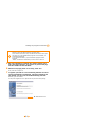
3
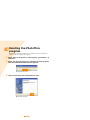
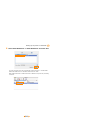
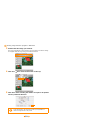
Select 'Finish' when the uninstallation is done.
▲ Windows XP screen
5.9