1
Audit Tasks
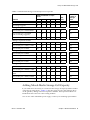
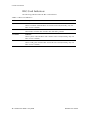
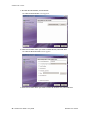
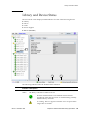
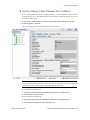
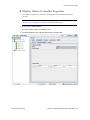
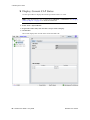
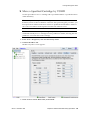
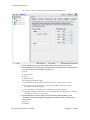
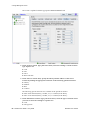
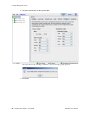
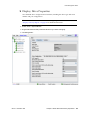
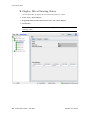
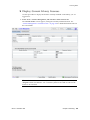
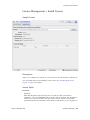
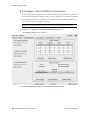
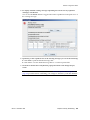
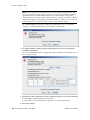
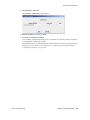
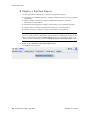
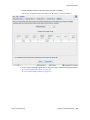
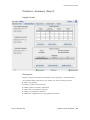
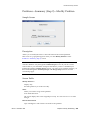
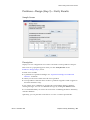
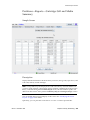
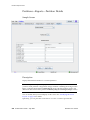
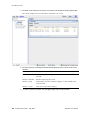
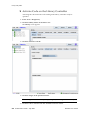
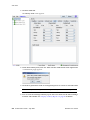
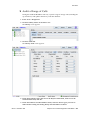
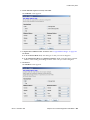
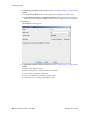
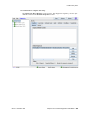
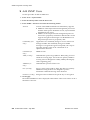
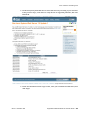
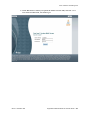
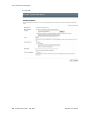
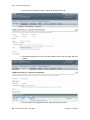
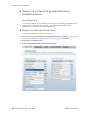
5. In the Start Address and End Address fields, select the device types you want to
audit and the starting and ending library internal address locations.
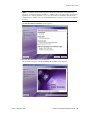
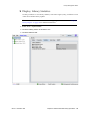
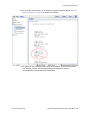
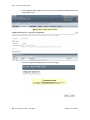
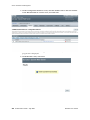
6. Click the Audit button in the Options Bar.
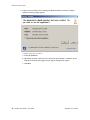
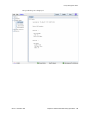
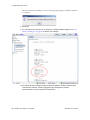
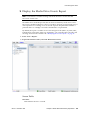
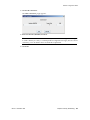
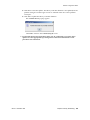
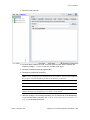
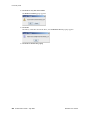
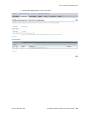
The Audit Console section displays the progress of the audit.
280
SL500 User’s Guide • July 2008
Revision: KA • 96116