1
product
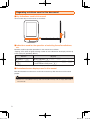
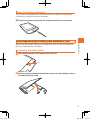
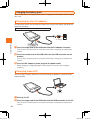
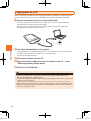
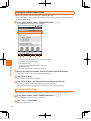
Insert so that it is horizontal with the connection terminal while checking the orientation of the
terminal.
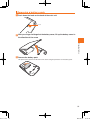
During charging, the charging LED lights red and changes color to blue when charging is
completed.
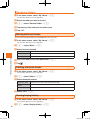
4Tap "Charging Mode" on the product
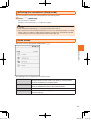
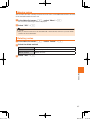
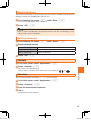
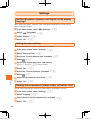
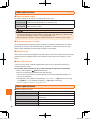
Setting power save
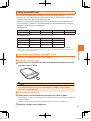
Battery usage can be reduced and the operating time can be increased by changing the
following settings.
3G network
Wireless LAN
function
Set 3G network to OFF.
• When you buy the product, ON is set.
▶"Switching the 3G network ON or OFF" on P. 41
Set the wireless LAN function to OFF.
• When you buy the product, OFF is set.
▶"Switching the wireless LAN function ON or OFF" on P. 41
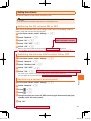
Turning the power on/off
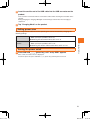
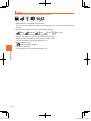
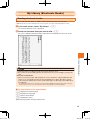
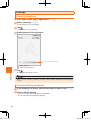
1Press and hold 8 (power key) until "au by KDDI" appears
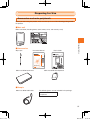
Preparing for Use
biblio.indb
3Insert the smaller end of the USB cable into the USB connector on the
After a while, the home screen is displayed.
To turn the power off, press and hold 8 (power key) until the power turns off.
21
21
2010/12/20
11:02:43