1
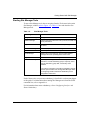
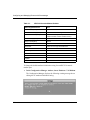
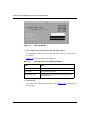
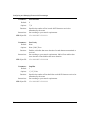
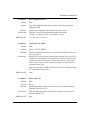
Site Manager Parameters
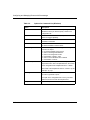
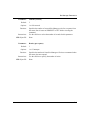
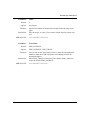
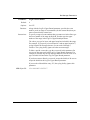
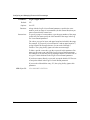
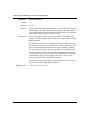
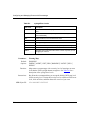
Parameter:
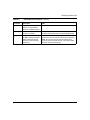
Timer
Default:
0
Options:
Any integer
Function:
Instructions:
MIB Object ID:
Parameter:
Specifies the number of minutes that will pass before the ping occurs
again.
Enter an integer, or enter 0 if you want to initiate the ping request only
once.
1.3.6.1.4.1.18.3.3.2.13.1.1.11
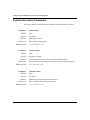
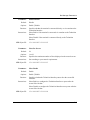
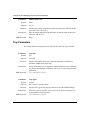
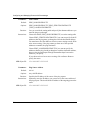
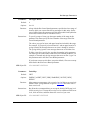
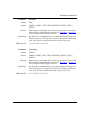
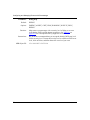
Trace Route
Default:
PING_NOTRACE
Options:
PING_NOTRACE | PING_TRACE
Function:
Lets you turn on the Trace Routes feature to show the intermediate IP
addresses (hops) the ICMP echo packet went through to reach the
destination address.
Instructions:
Select PING_TRACE to turn on the Trace Routes feature; otherwise,
accept the default, PING_NOTRACE.
MIB Object ID:
117347-A Rev. A
1.3.6.1.4.1.18.3.3.2.13.1.1.8
B-19