1
6.5 Working with Otto in the Properties Window
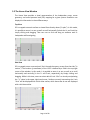
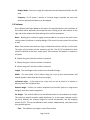
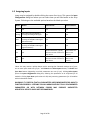
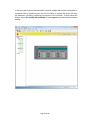
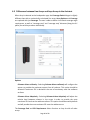
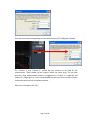
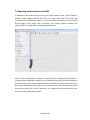
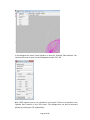
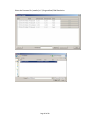
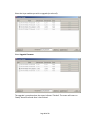
The properties window for Otto is unique in that it includes a ‘Rejection Goal’ drop down
menu. The Rejection Goal percentage mirrors the functionality of the rejection goal
slider found on the Array Assistant page. Max SPL corresponds to a rejection goal of 0%
whereas Max Rejection corresponds to a rejection goal of 100%. Selecting values of 25%
and 50% and 75% allow the user to select a balance between Max SPL and Max
Rejection according to the needs of the given application.
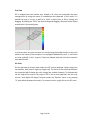
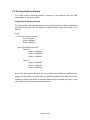
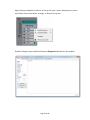
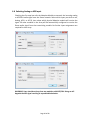
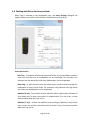
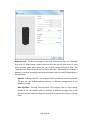
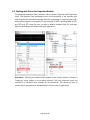
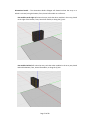
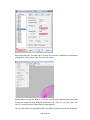
Orientation - Selecting an individual Otto module in the ‘Project Explorer’ will open a
‘Properties’ menu unique to the module selected. From this properties menu the
orientation of individual Otto modules can be rotated 90°. This allows the user to
prevent driver apertures from being blocked in certain array configurations.
Page 69 of 89