1
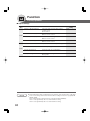
Function
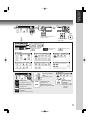
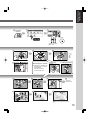
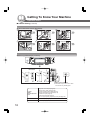
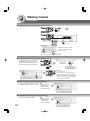
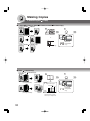
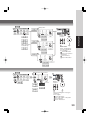
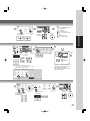
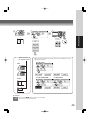
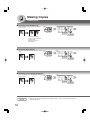
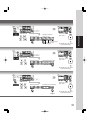
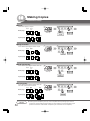
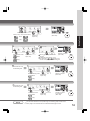
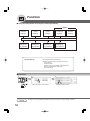
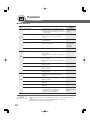
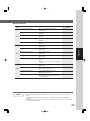
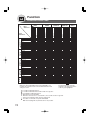
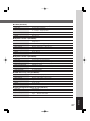
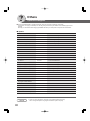
■ Scanner Settings
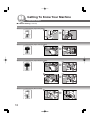
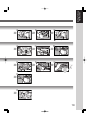
Screen
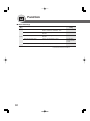
No.
Modes
00 Original Mode Default
Sets the original setting.
● Text, T/P (Text/Photo), Photo
T/P
01 Compression Mode Def.
Sets the default compression mode setting.
● MH, MR, MMR, JBIG
JBIG
02 Resolution Default
Sets the default resolution setting.
● 150dpi, 300dpi, 600dpi
600dpi
03 Job Bulid And SADF Mode
Sets the SADF mode setting.
● No, Yes
No
04 Bind Edge 2-Side Orig.
Sets the bind position, 2-Sided original setting.
● Long, Short
Long
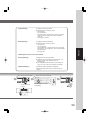
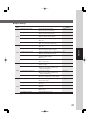
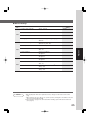
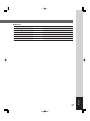
05 Add New Address
To add a new address.
06 Edit Address Book
To edit the address book. (See page 80)
07 Delete Address
To delete an address.
08 Scanner Settings Print
To print scanner settings print.
● Stop, Start
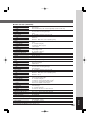
09 XMF File Type
Sets the default XMF File Type.
● TIFF, PDF
01/02
02/02
62
Initial
Setting
Function
PDF