1
WPS-100-DVR-4CH Installation and Users Manual
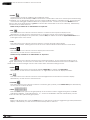
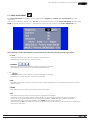
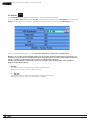
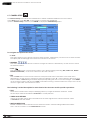
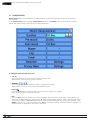
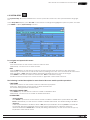
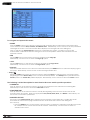
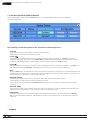
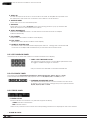
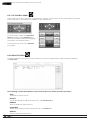
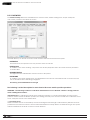
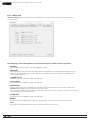
Press the ENTER or +/- buttons on the remote control to select
or deselect each of the cameras to be archived.
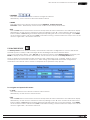
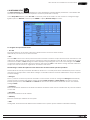
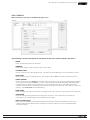
• END TIME
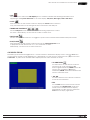
Press the +/- buttons on the remote control to modify the Year, Month, Date, Hour, and Minute for the
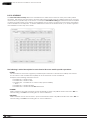
recorded video and audio for the backup without playback of Search by Time. The files will be backed-up from the start time to the end time when the user press the COPY button to start copying.
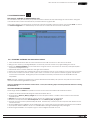
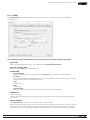
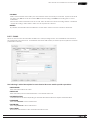
Note : For each camera and each backup, a batch file will be generated as well as the backup .h264 files.
A directory titled “/SelfPlayer” will also be generated if it’s not already existing on the backup storage device
(thumb drive, local PC, etc). The user can use the batch file to self-playback the corresponding backup files on
a PC. If the PC has not been installed with the required player components, those components will be installed
by running the batch file
In Windows, run /SelfPlayer/SelfPlayerInstall.exe found on the storage device manually to install the required
player components on the PC (if the PC was NOT used to backup the files)
To copy self-playback files, copy the batch file and the backup files to the destination directory. Also copy the
entire “/SelfPlayer” directory to the root directory of the destination PC.
© 2012 Wirepath Surveillance
51