1
CHAPTER 2
Customizing installation packages
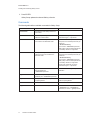
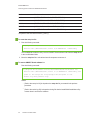
Control
Procedure
Notes
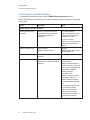
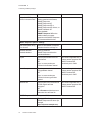
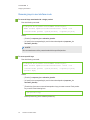
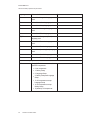
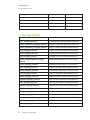
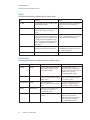
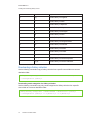
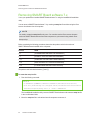
SMART Product Drivers: Optional Settings
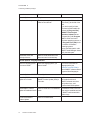
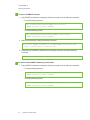
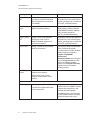
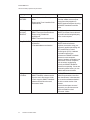
Enable Tablet PC Support
Select to use Tablet PC
functionality with your SMART
interactive display without having
to connect a Tablet PC.
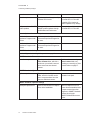
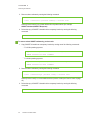
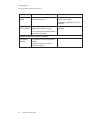
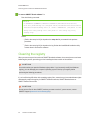
Start SMART System
Menu at logon
Select to start SMART System
Menu when the user logs on.
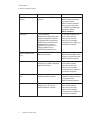
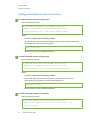
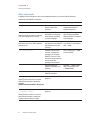
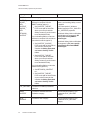
Start SMART Ink at logon
Select to start SMART Ink when
the user logs on.
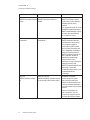
Make SMART Ink Viewer
the default PDF viewer
Select to make SMART Ink Viewer
to the default PDF viewer.
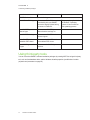
This property is applicable for
the Windows 7 operating
systems. It has no effect on
other operating systems.
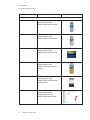
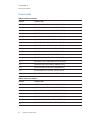
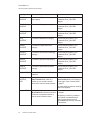
Start SNMP Agent services Select to enable SNMP Agent
at logon
services.
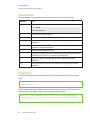
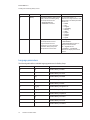
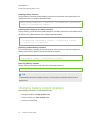
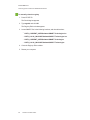
Using third-party tools
You can customize SMART software installation packages by creating MST files using a third-party
tool, such as Orca database editor, and the Windows Installer properties (see Windows Installer
properties and parameters on page 45).
17
smarttech.com/kb/170627