1
65
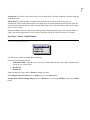
make any changes. It is strongly recommended that the modem initialization string only be modified by a
qualified technician.
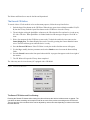
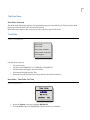
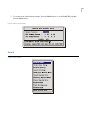
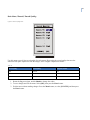
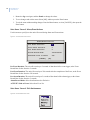
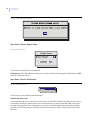
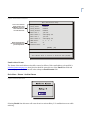
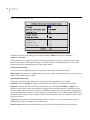
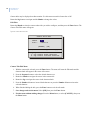
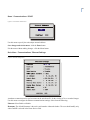
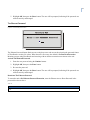
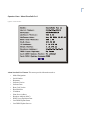
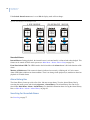
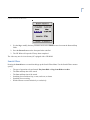
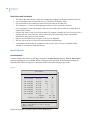
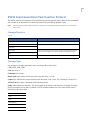
Figure 68. POTS setup screen
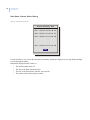
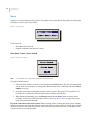
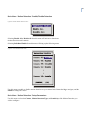
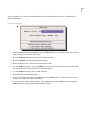
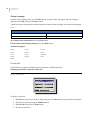
1. With the Modem Init String highlighted, press the Enter button to enter the Edit mode. The character
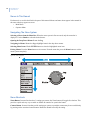
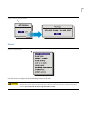
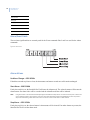
bank will appear in the center of the menu.
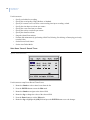
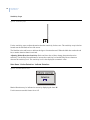
2. Press the Sequence button to select the desired character bank.
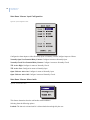
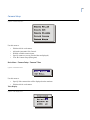
3. Rotate the Shuttle to navigate the Modem Init String.
4. Rotate the Jog to select a character from the character bank.
5. Use the Number 2 button or rotate the Shuttle to insert the desired character from the character bank
into the Modem Init String and advance to the next character.
6. Use the Number 1 button to insert a blank character.
7. When finished, press the Enter button.
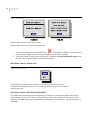
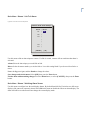
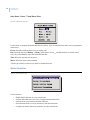
8. To save the changes and reboot, select OK, then press the Enter button. The unit will only reboot if
changes were made to the Modem Init String.
9. To exit the menu without making changes, select Cancel, then press the Enter button. Pressing the
Menu button also exits the menu without making changes.