1
4-07-2008
12:02
Possible error messages
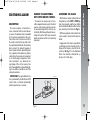
If the CD inserted is illegible (e.g.: CD-ROM
inserted, CD not inserted properly or reading error), the display will show the message “CD ERROR” for about 2 seconds.
The CD is then ejected and the previous
source before CD was selected returns.
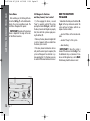
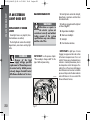
Display information
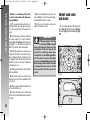
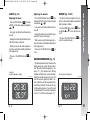
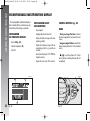
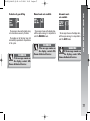
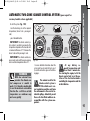
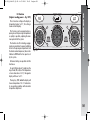
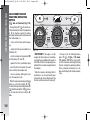
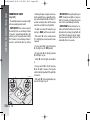
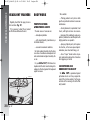
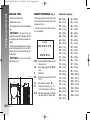
When the CD player is working, the display shows the following information which
means:
“T05”: shows the number of the track on
the CD;
“03:42”: shows the time elapsed since
the start of the track (if the corresponding
Menu function is on);
Pagina 167
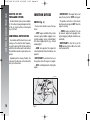
Select track
(forward/backward)
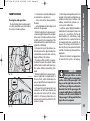
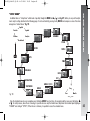
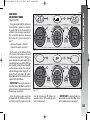
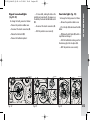
Briefly press button ÷ to play the previous track and button ˜ to play the next
one. Tracks are played in sequence: after the
last track, the first one will be played and
vice versa.
If playing the track started more than 3
seconds ago, pressing briefly button ÷
the track is played again from the start. In
this case if wanting to play the previous
track, press the button twice consecutively.
Fast forward/backward
Pause function
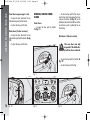
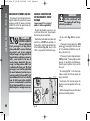
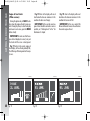
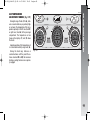
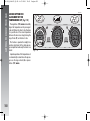
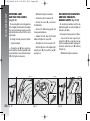
To pause the CD player, press button
MUTE. The display will show “PAUSE”.
To resume playing the track, press button
MUTE again.
The pause function is deactivated changing the sound source.
GETTING TO KNOW YOUR CAR
110-185_Alfa147 Q2 GB
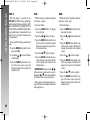
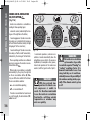
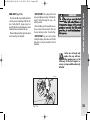
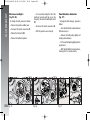
Keep button ˜ pressed to move the
track selected forward at high speed and
keep button ÷ pressed to move it quickly backward. Fast forward/backward is
stopped once the button is released.
167