1
GETTING TO KNOW YOUR CAR
110-185_Alfa147 Q2 GB
4-07-2008
12:02
DISPLAY INFORMATION
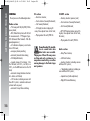
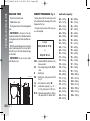
Select next/previous directory
ID3-tag info display
(track informations)
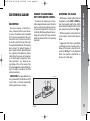
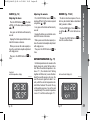
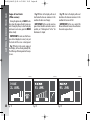
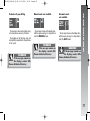
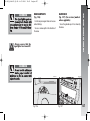
Press button N to select the next directory
or press button O to select the previous one.
The name of the new selected directory will
be shown on the display.
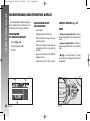
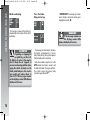
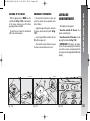
In addition to time elapsed, directory name
and file name, also ID3-tag info relevant to
track Title, Artist, Author (see “MP3 disp
function”) are displayed.
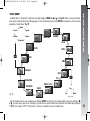
The MP3 directory name shown on the display corresponds to the name with which
the directory is stored on the CD, followed
by an asterisk.
Example of full MP3 directory name: BEST
OF *.
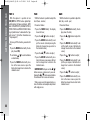
If you want to display one ID3-tag info (Title, Artist, Album) and the track being played
has no ID3-tag info then, the file name will
be displayed.
170
Pagina 170
Directories are selected in cyclic sequence:
after the last directory the first one is selected and vice versa.
If no other directory/track is selected in
the following 2 seconds, the first track in the
new directory will be played.
If the last track in the currently selected directory is played, the next will then be
played.
Antitheft protection
Refer to paragraph “Compact Disc player”.