1
Mitel 5604 Wireless Handset User Guide
•
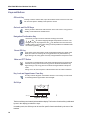
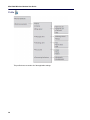
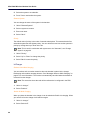
Call Pickup
•
Call Park Retrieve
•
Direct/Group Page
•
Loudspeaker Page
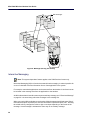
To access the Call Services menu:
•
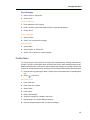
Press "More".
Call Forward
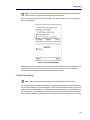
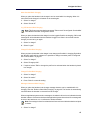
To set Call Forwarding:
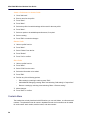
1. Press "More".
2. Select "Call Forward".
3. Enter the extension number to which you will forward your calls.
4. Press "Call".
5. Listen for a confirmation tone and then hang up.
To cancel call forwarding:
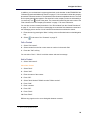
1. Press "More".
2. Select "Call Forward Cancel".
3. When you hear a re-order tone, press
to hang up.
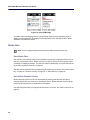
Call Pickup
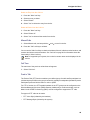
To answer a call that is ringing at another station in your Pickup Group:
1. Press More".
2. Select "Call Pickup".
3. Answer the call.
Do Not Disturb
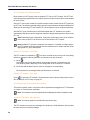
To activate Do Not Disturb:
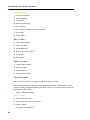
1. Press "More".
2. Select "Do Not Disturb".
3. When you hear a re-order tone, press
Do Not Disturb is activated.
24
to hang up.