1
4
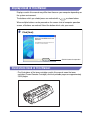
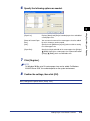
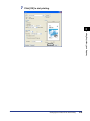
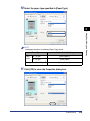
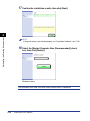
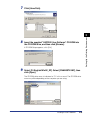
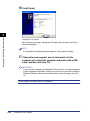
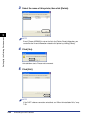
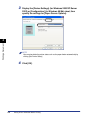
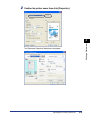
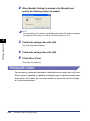
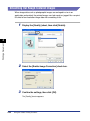
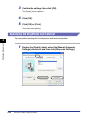
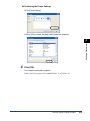
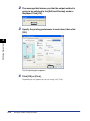
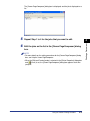
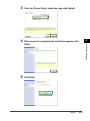
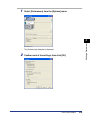
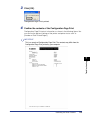
Click [OK].
5
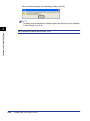
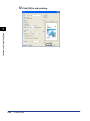
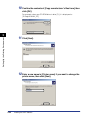
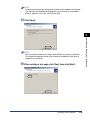
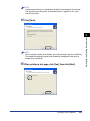
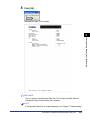
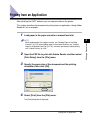
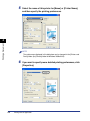
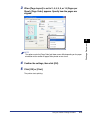
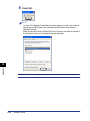
Click [OK] or [Print].
The printer starts printing.
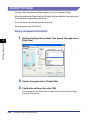
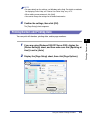
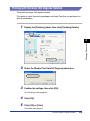
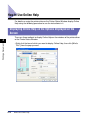
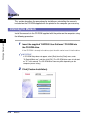
Printing with Toner Density Adjusted
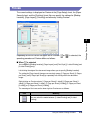
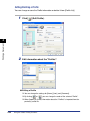
You can print with toner density adjusted.
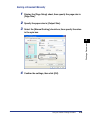
1
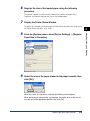
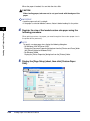
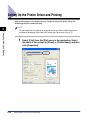
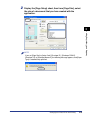
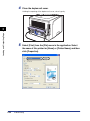
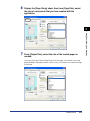
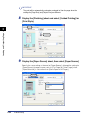
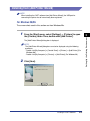
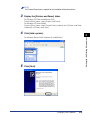
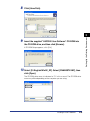
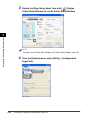
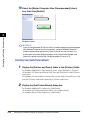
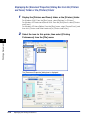
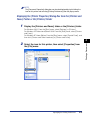
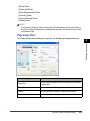
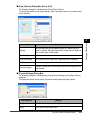
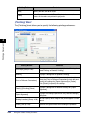
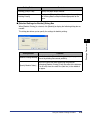
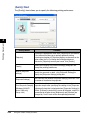
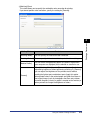
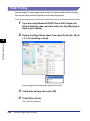
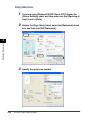
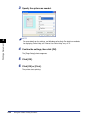
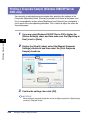
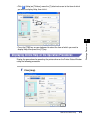
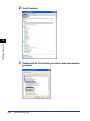
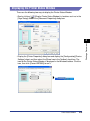
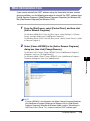
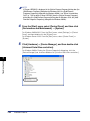
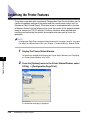
Display the [Quality] sheet, then click [Details].
Printing a Document
4
2
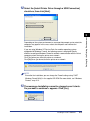
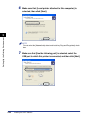
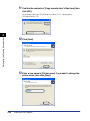
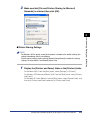
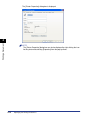
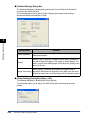
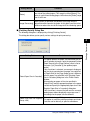
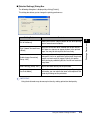
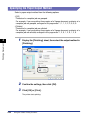
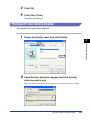
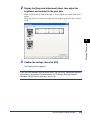
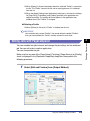
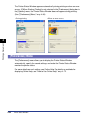
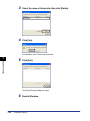
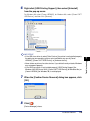
Adjust the toner density by dragging the [Toner Density]
slider from side to side.
Move the slider to the right to make it denser and to the left to make it lighter.
Using the Various Printing Functions
4-61











































![4 Fare clic su [OK]](http://vs1.manualzilla.com/store/data/006160518_1-ecbfa5800aa7e22e762bce920beb4116-150x150.png)
![4 Fare clic su [OK]](http://vs1.manualzilla.com/store/data/006160071_1-fbf99ae1aa7795515dccc53428bef16f-150x150.png)