1
3
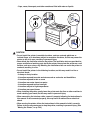
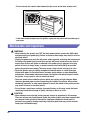
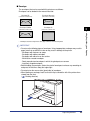
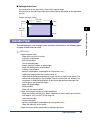
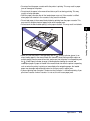
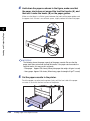
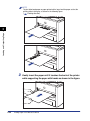
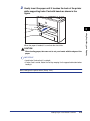
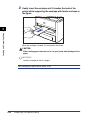
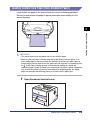
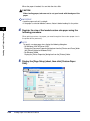
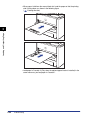
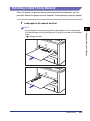
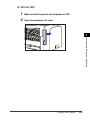
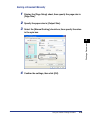
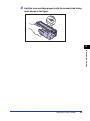
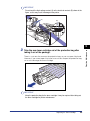
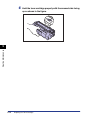
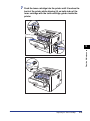
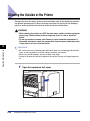
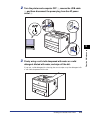
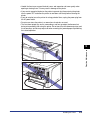
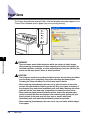
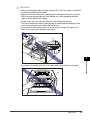
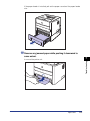
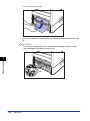
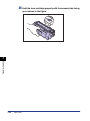
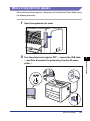
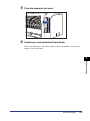
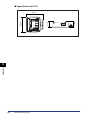
Gently insert the paper until it touches the back of the printer
while supporting Index Card with hands as shown in the
figure.
When the paper is loaded, it is sent into the slot a little.
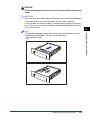
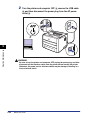
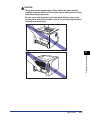
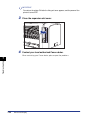
CAUTION
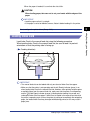
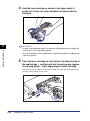
When loading paper, take care not to cut your hands with the edges of the
paper.
IMPORTANT
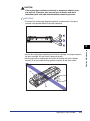
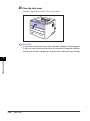
• Load Index Card so that it is straight.
• If Index Card is curled, flatten the curls by warping it in the opposite direction before
loading it.
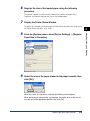
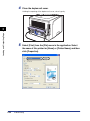
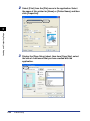
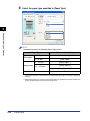
Next, configure the printer driver (See p. 2-40).
Loading Paper in the Manual Feed Slot
2-31
Loading and Outputting Paper
2


















































![4 Fare clic su [OK]](http://vs1.manualzilla.com/store/data/006160518_1-ecbfa5800aa7e22e762bce920beb4116-150x150.png)
![4 Fare clic su [OK]](http://vs1.manualzilla.com/store/data/006160071_1-fbf99ae1aa7795515dccc53428bef16f-150x150.png)