1
sp3800Guide.book Page 26 Monday, January 29, 2007 11:08 AM
26 | Setting Up the Printer On a Network
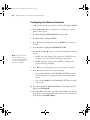
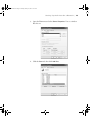
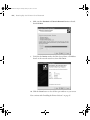
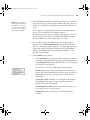
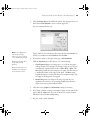
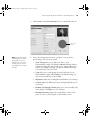
8. Make sure that Standard and Generic Network Card are selected,
then click Next.
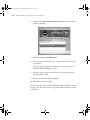
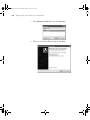
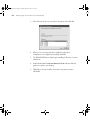
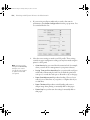
9. Verify that the Device matches the Print Server Name or IP Address
shown on the network status sheet, then click Finish.
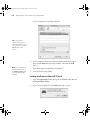
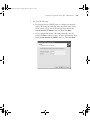
10. Click the Close button to close all the open windows on your screen.
Now continue with “Installing the Printer Software” on page 27.
1-26