1
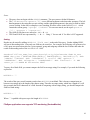
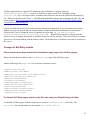
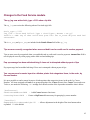
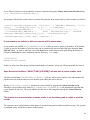
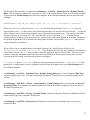
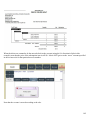
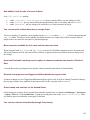
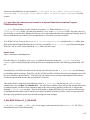
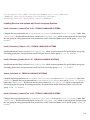
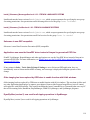
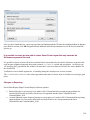
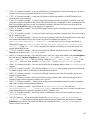
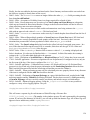
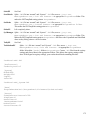
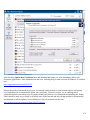
a. In SQL Studio Manager Right Click on the SiriusSQL database in SQL Management Studio and choose
Properties.
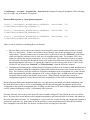
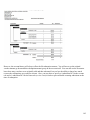
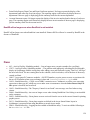
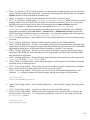
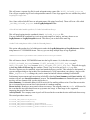
b. Click on Options on the left side of the screen. If you are running SQL 2005 change it “SQL Server
2005 (90)”, if you are running SQL Server 2008 you can select “SQL Server 2005 (90) or SQL Server
2008 (100)” click on “OK” to save.
Note: If it was already set correctly simply click “ok”
4. Database update
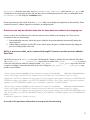
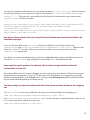
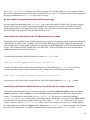
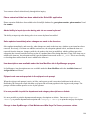
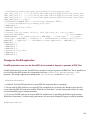
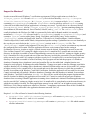
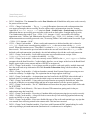
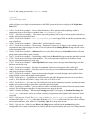
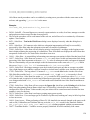
a. With everyone out of the Siriusware System go ahead and run the 4.1 SQL update script(s). Once the
script(s) finish running, verify that the results at the bottom of the SQL query window indicate that the
script completed WITHOUT errors.
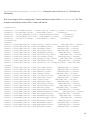
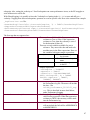
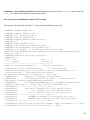
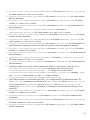
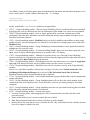
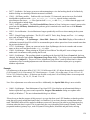
Note: One or two database version updates are required to get to SiriusSQL 4.1.01_0081, depending on whether
you are on 4.0.57h, 4.0.57i or 4.0.57j:
17