1
all.book
Page 105
Monday, January 19, 2004
1:02 PM
Optional Settings
Optional Settings
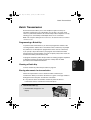
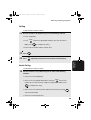
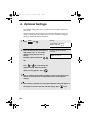
Setting 01: DEFAULT FAX RESOLUTION
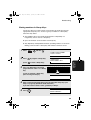
This option sets the default resolution (the resolution used if a setting is not
selected with
RESOLUTION
) for transmitting documents. Press 1 for
STANDARD, 2 for FINE, or 3 for SUPER-FINE.
♦ Initial setting: 1
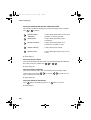
Setting 02: NUMBER OF RINGS AUTO RECEPTION
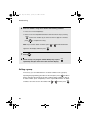
This sets the number of rings the fax machine waits before answering an
incoming call in AUTO receive mode. Enter a number from 0 to 9 (if 0
is entered, the fax machine will answer without ringing).
♦ Initial setting: 1
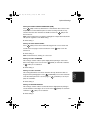
Setting 03: NUMBER OF RINGS MANUAL RECEPTION
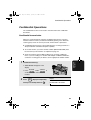
You can also have the fax machine automatically answer a call after a certain
number of rings in MANUAL reception mode. To turn on this function, enter
the desired number of rings (any number from 1 to 9 ). To turn off the
function, enter 0 .
♦ Initial setting: 0 (off)
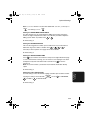
Setting 04: AUTO LISTING
6. Optional
Settings
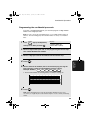
Press 1 (YES) to have the fax machine automatically print an Activity
Report once every 30 send/receive operations. (The report can still be printed
on demand at any time.) Press 2 (NO) to turn the function off.
♦ Initial setting: 2
105